RevSure Outreach Integration Implementation Guide

This page is part of RevSure’s Comprehensive FAQs, your all-in-one hub for answers on capabilities, data, security, scalability, configurability, and more. Click here to return to the FAQ home.


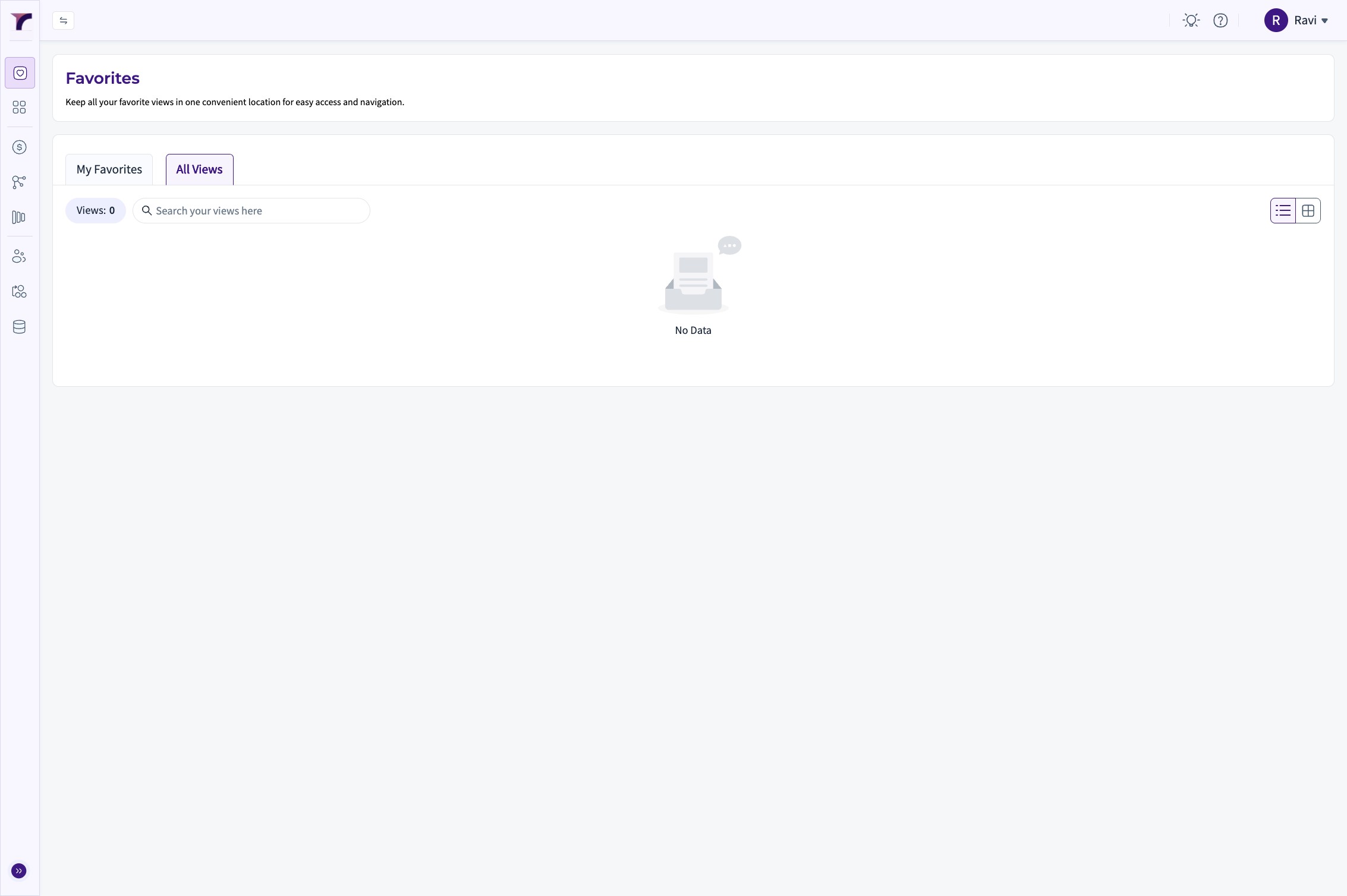
1. Go to Revsure App.

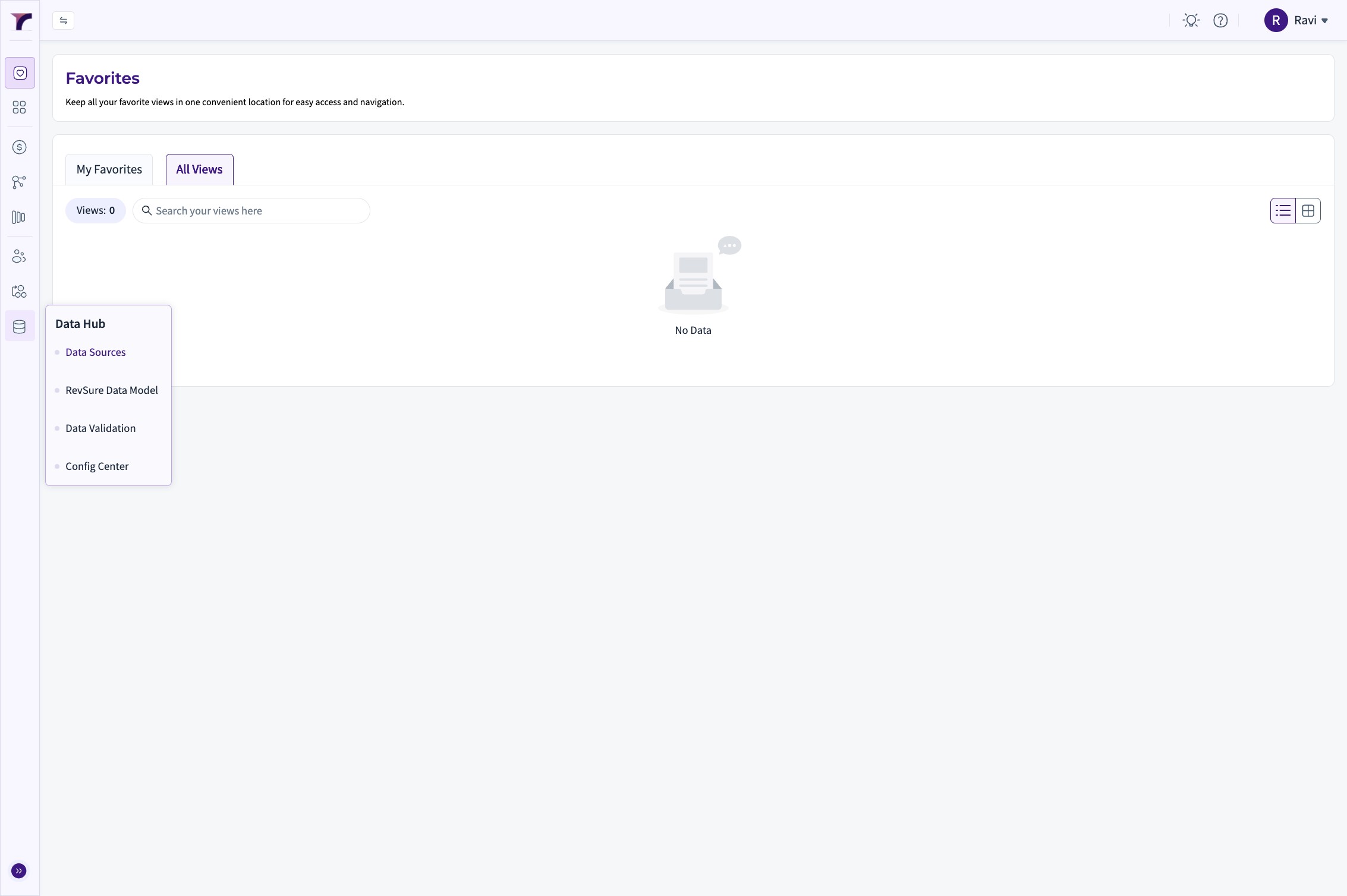
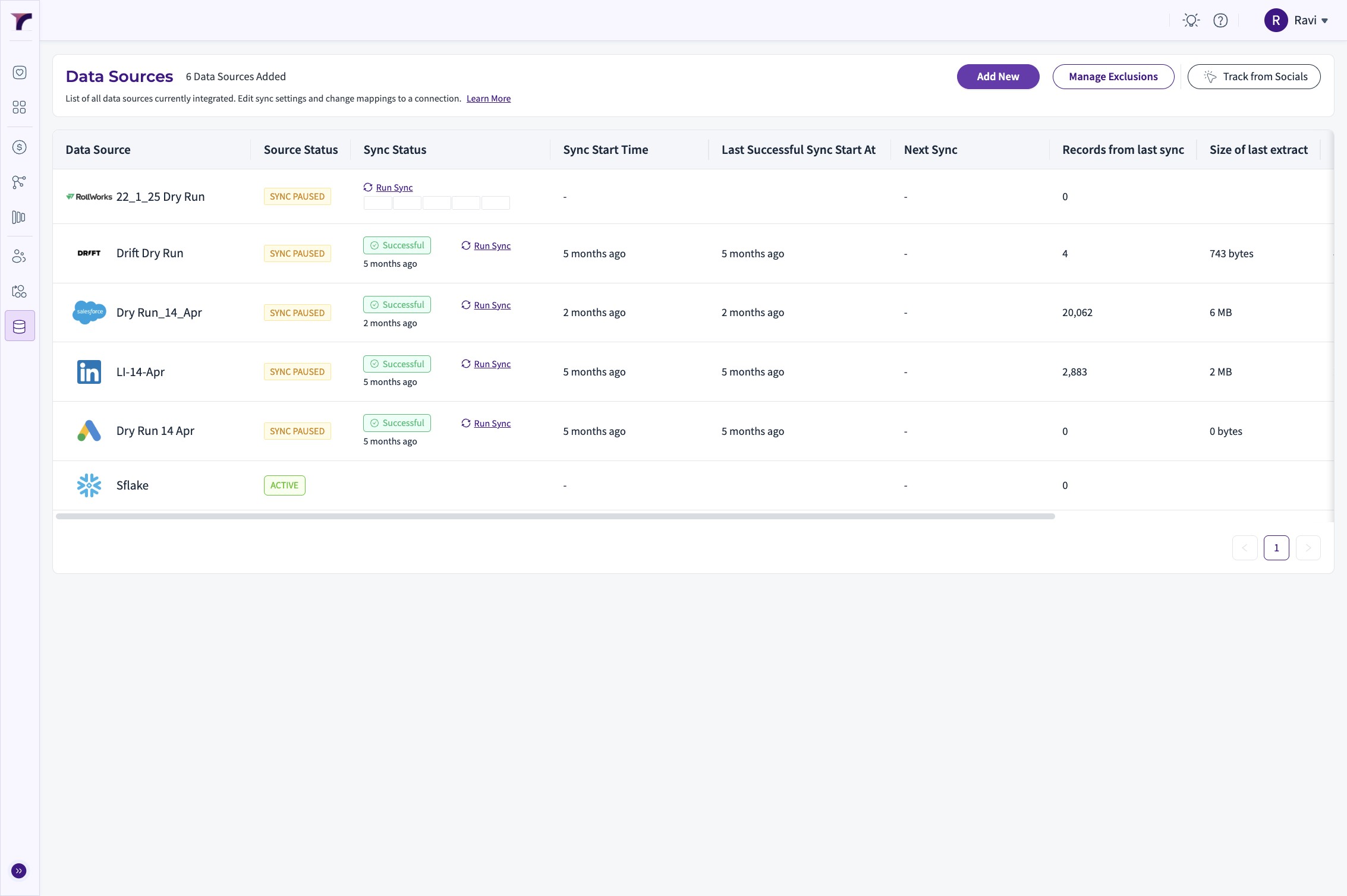
2. Click "Data Sources"

3. Click "Add New"

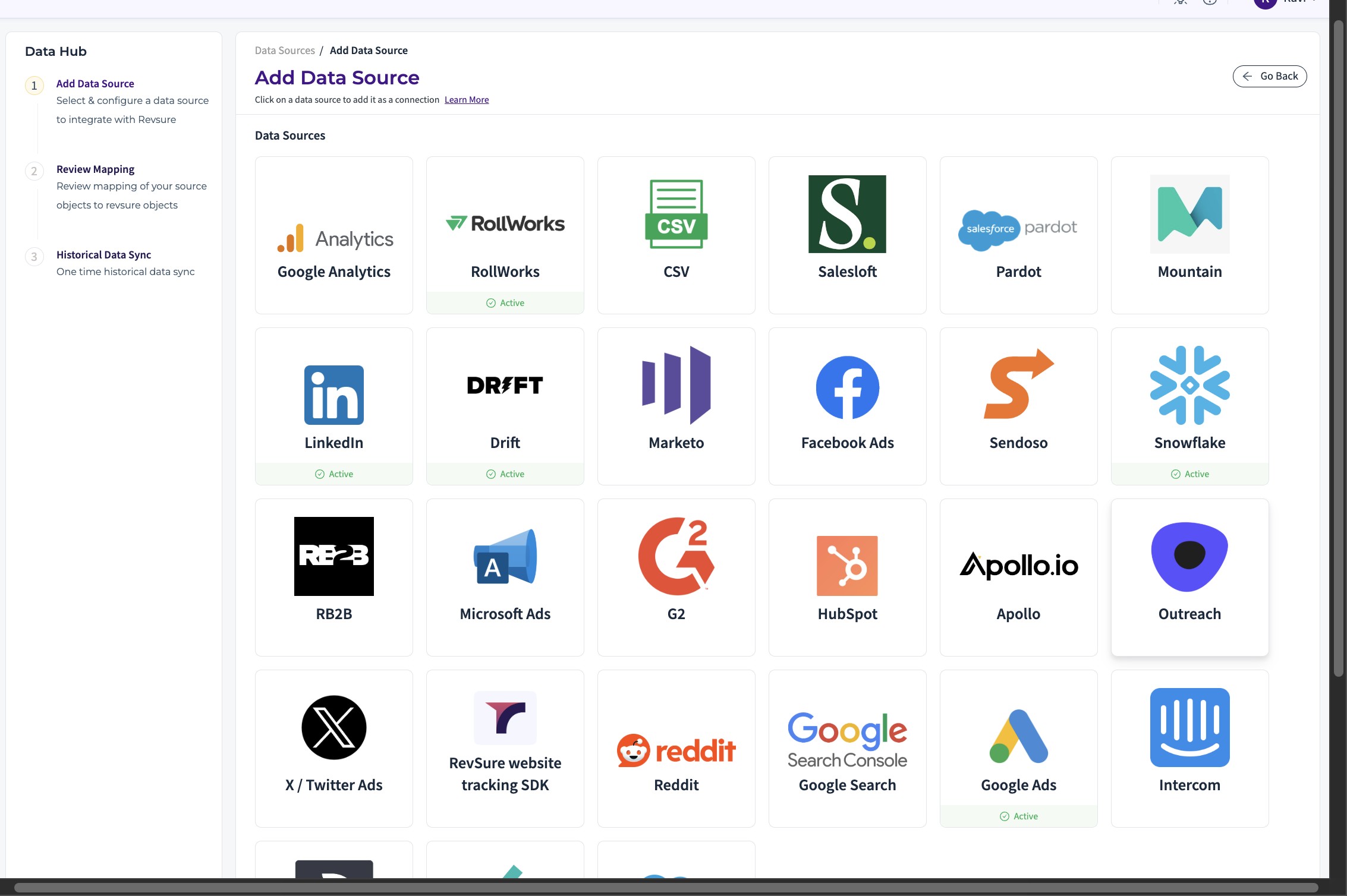
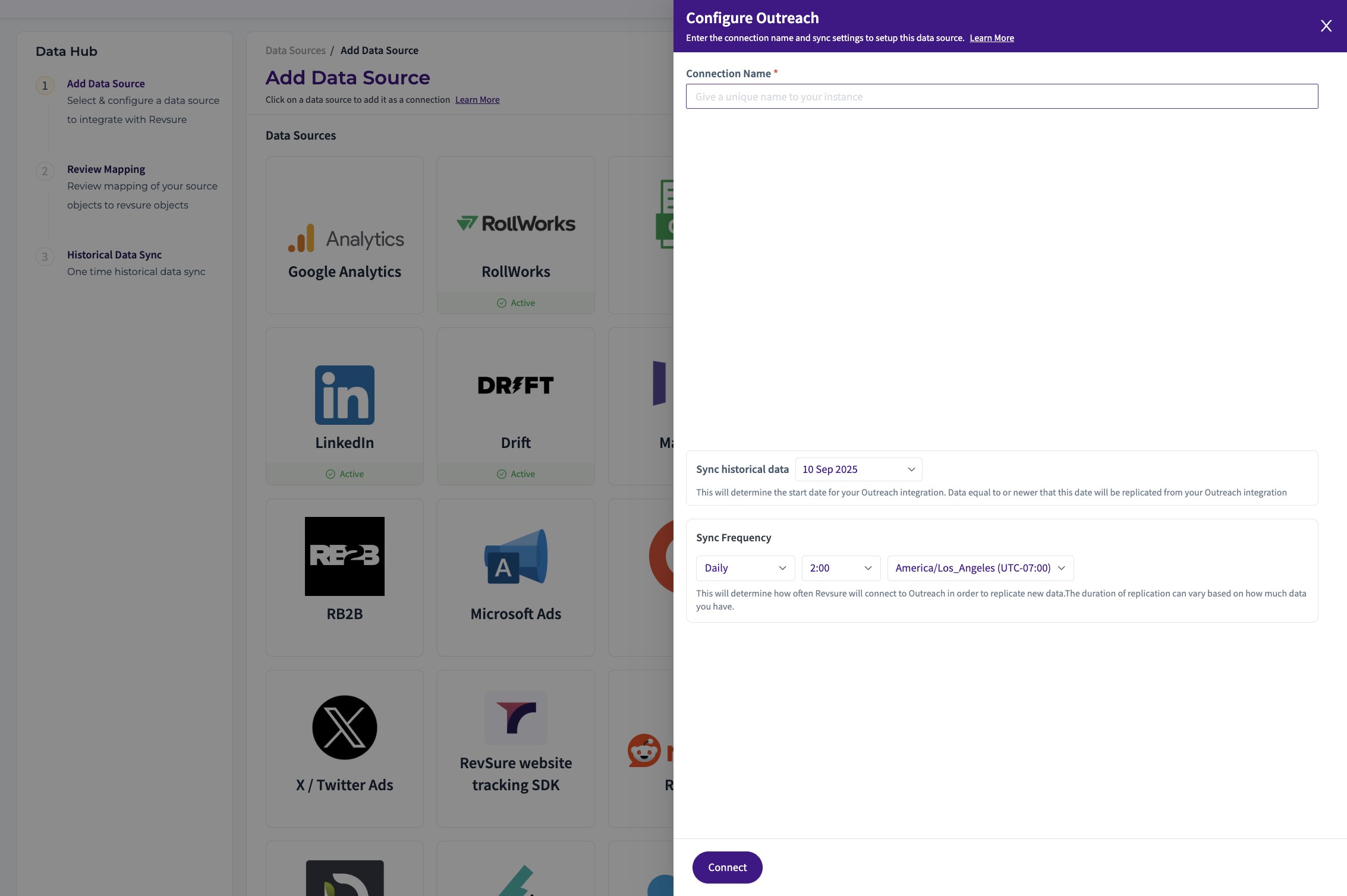
4. Select "Outreach" from the List of Sources

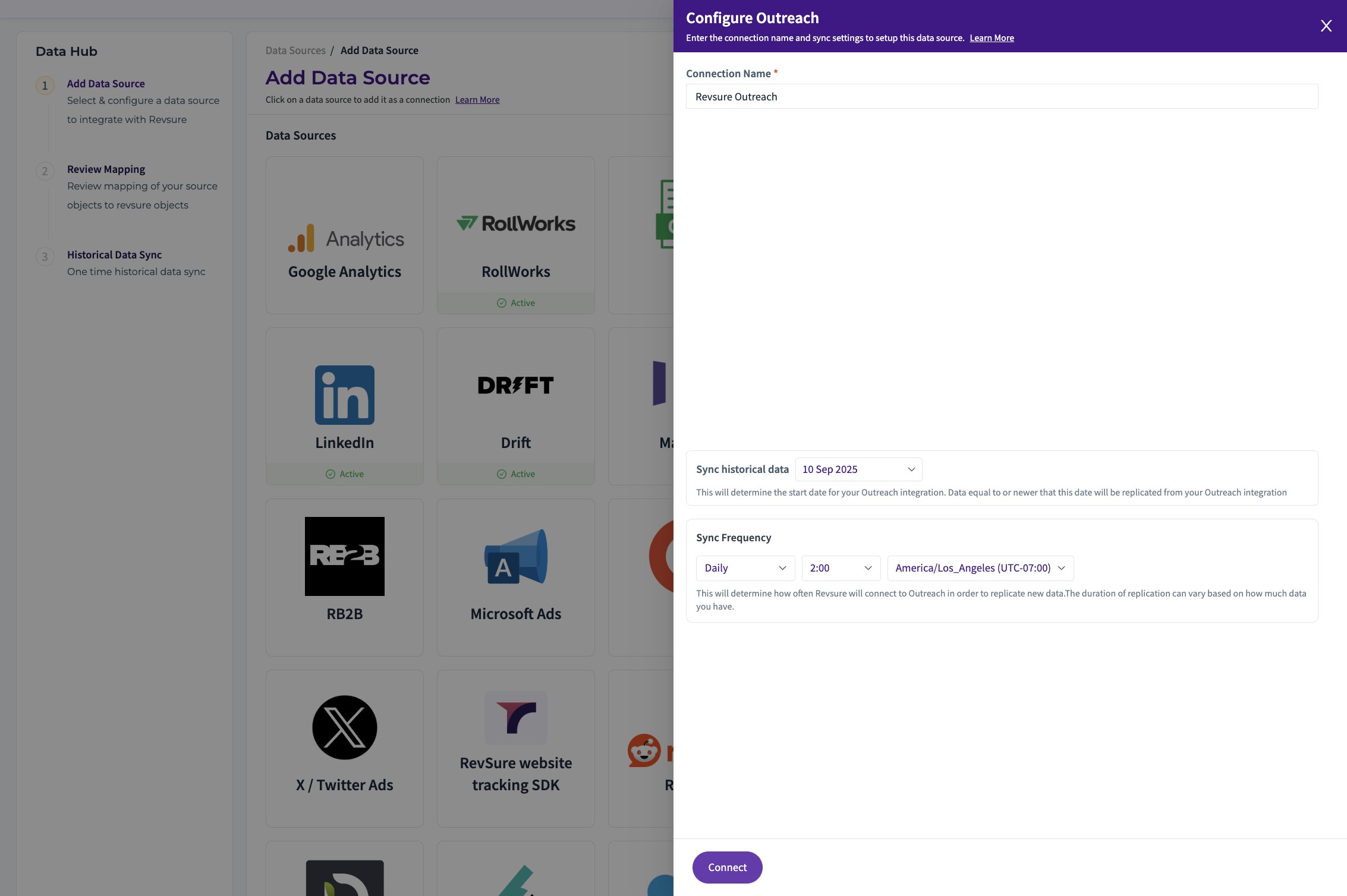
5. Set the "Connection Name *" field

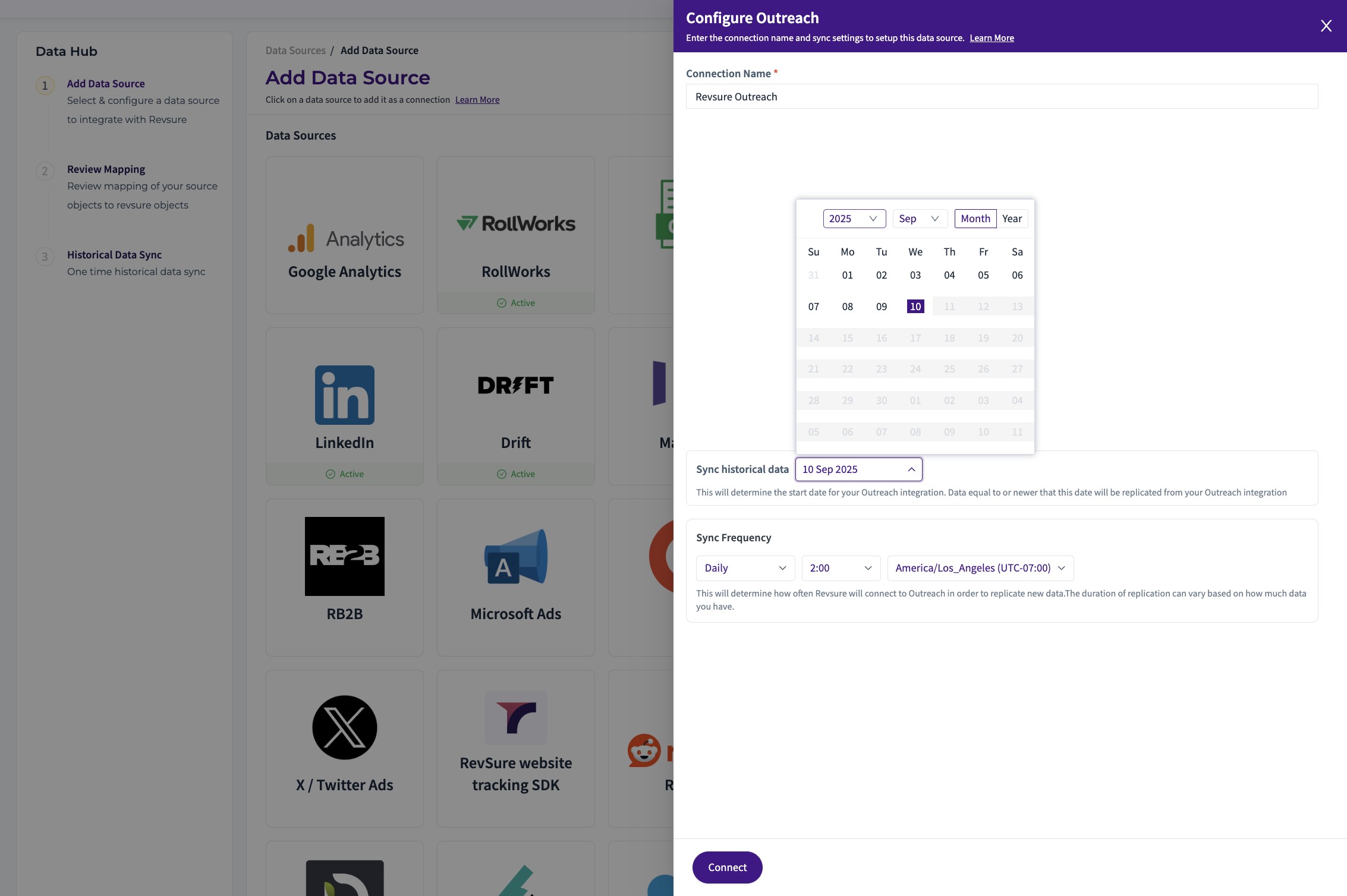
6. Select the "Sync Historical Date"

7. Click "Connect"

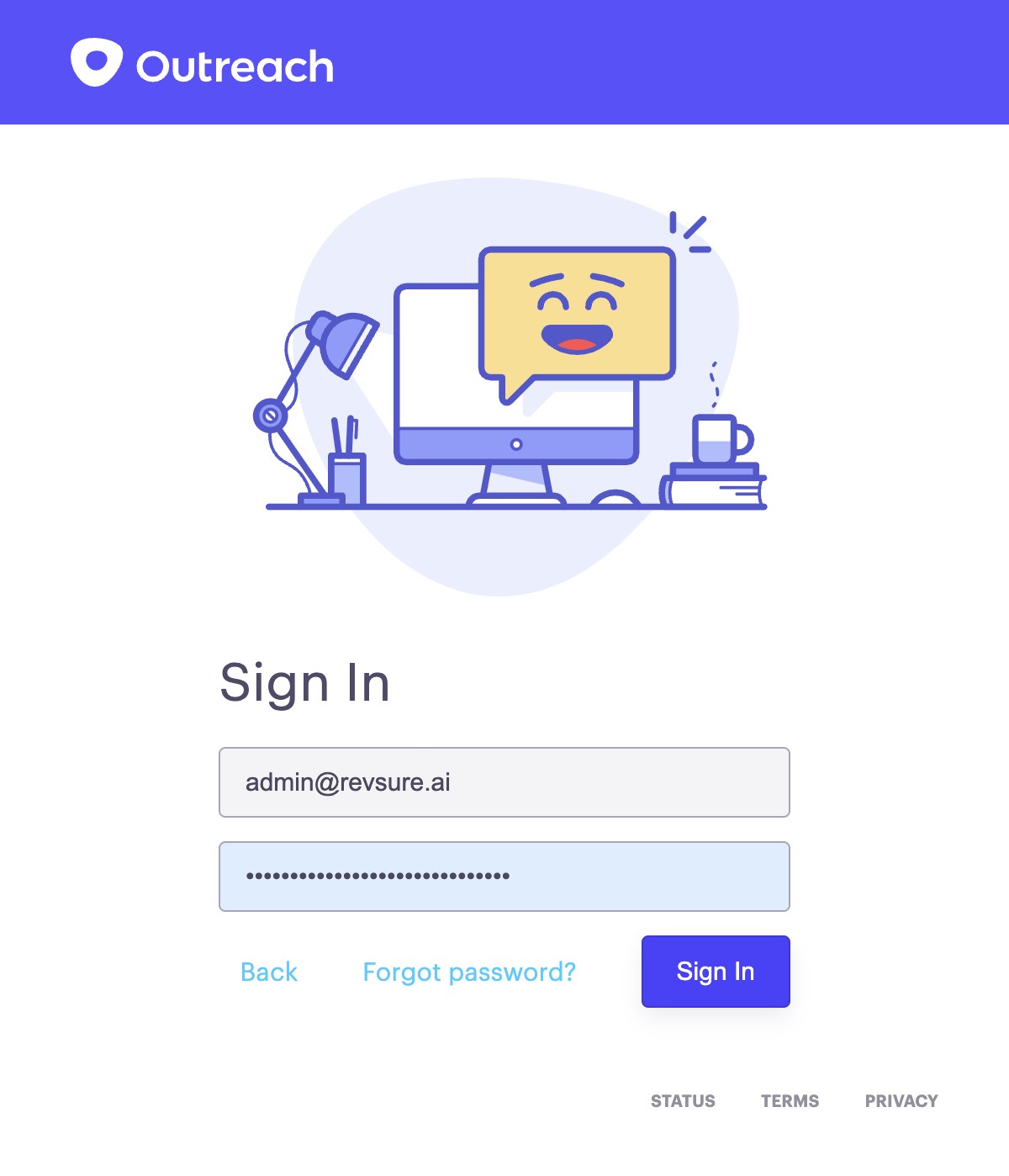
8. Sign In and Authenticate Revsure to access Data

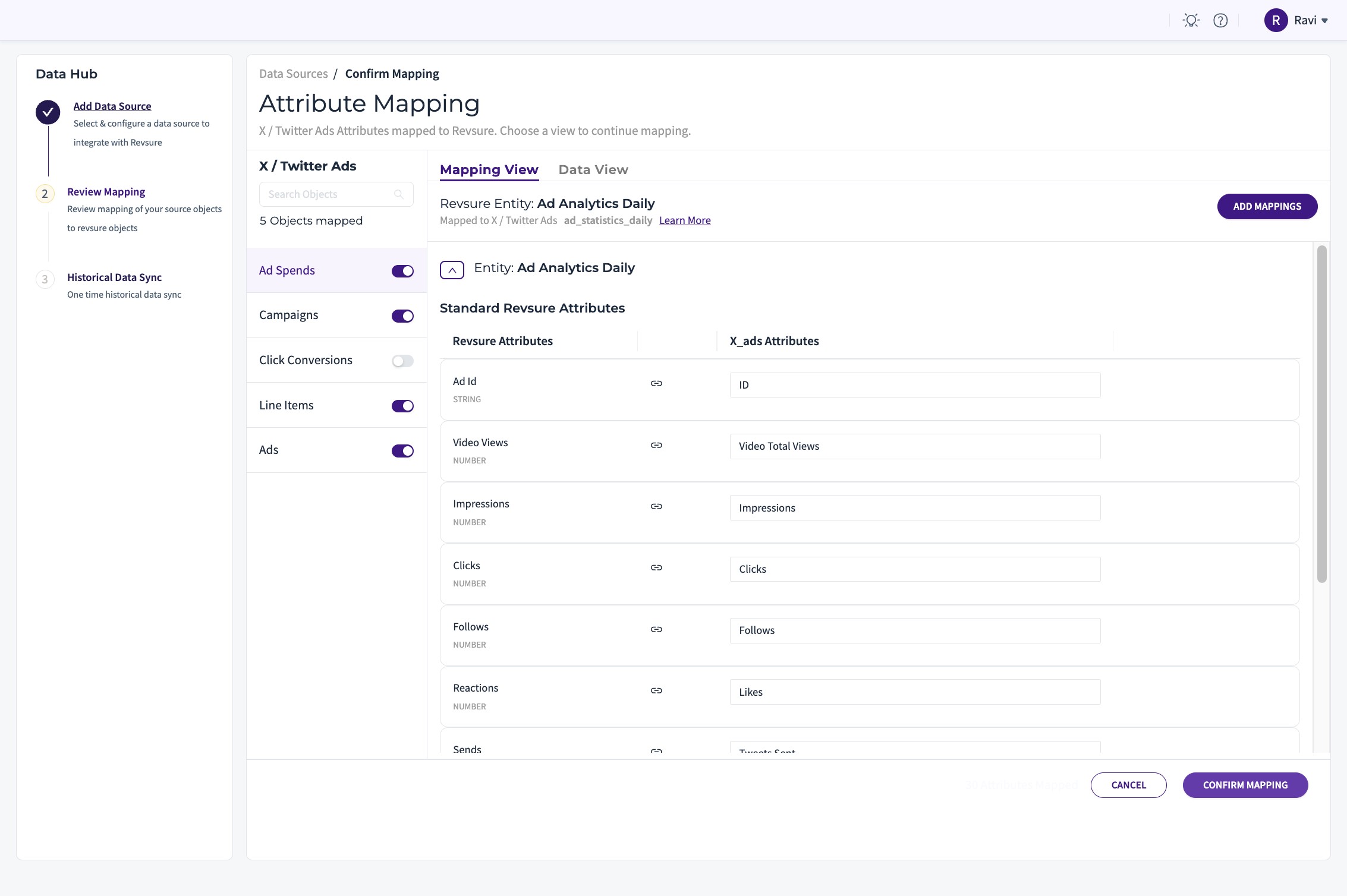
9. Click "Confirm Mapping"

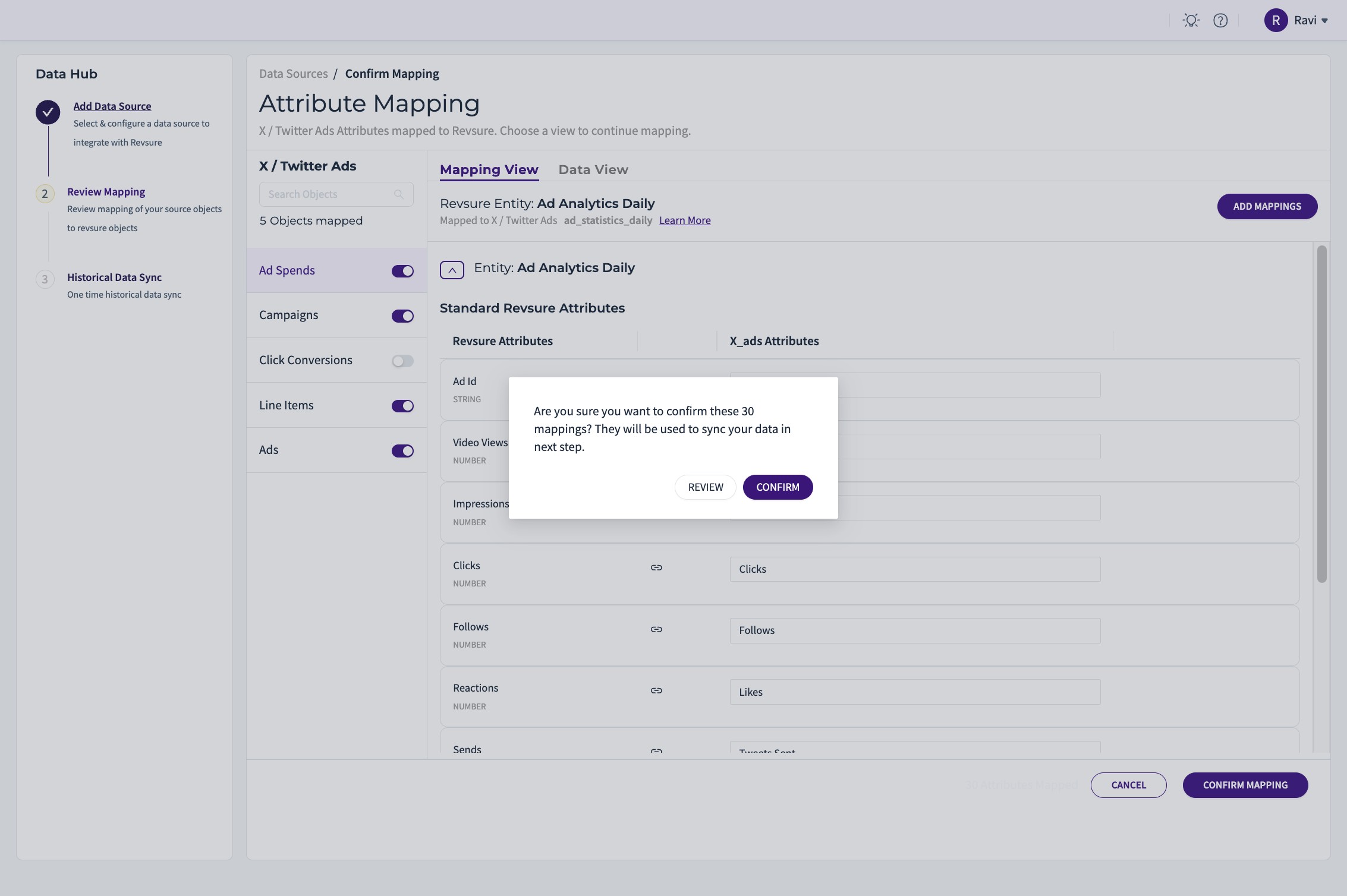
10. Click "CONFIRM"

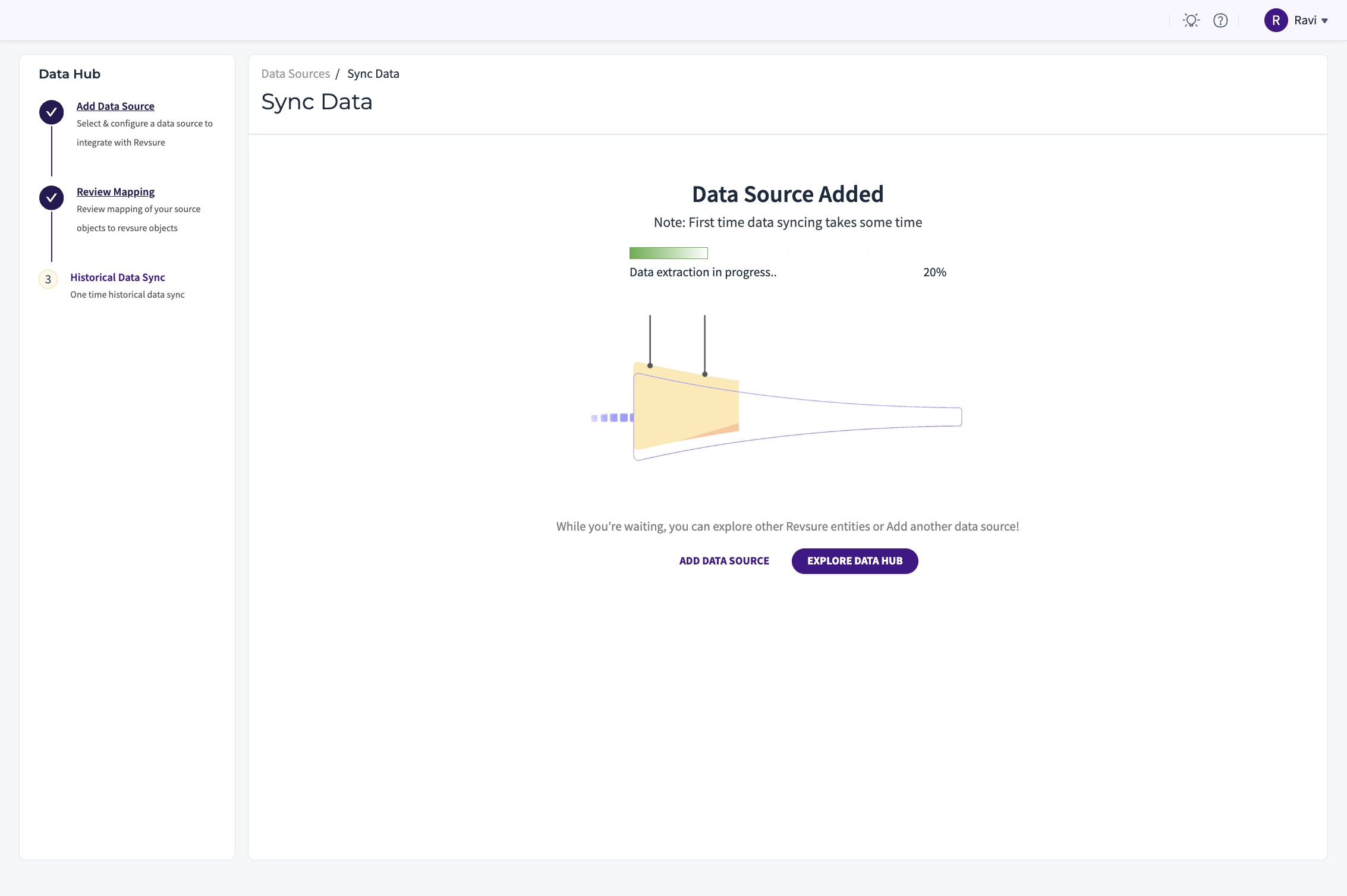
11. The outreach connection is Set Up