RevSure G2 Integration Implementation Guide
This page is part of RevSure’s Comprehensive FAQs, your all-in-one hub for answers on capabilities, data, security, scalability, configurability, and more. Click here to return to the FAQ home.
This page is part of RevSure’s Comprehensive FAQs, your all-in-one hub for answers on capabilities, data, security, scalability, configurability, and more. Click here to return to the FAQ home.


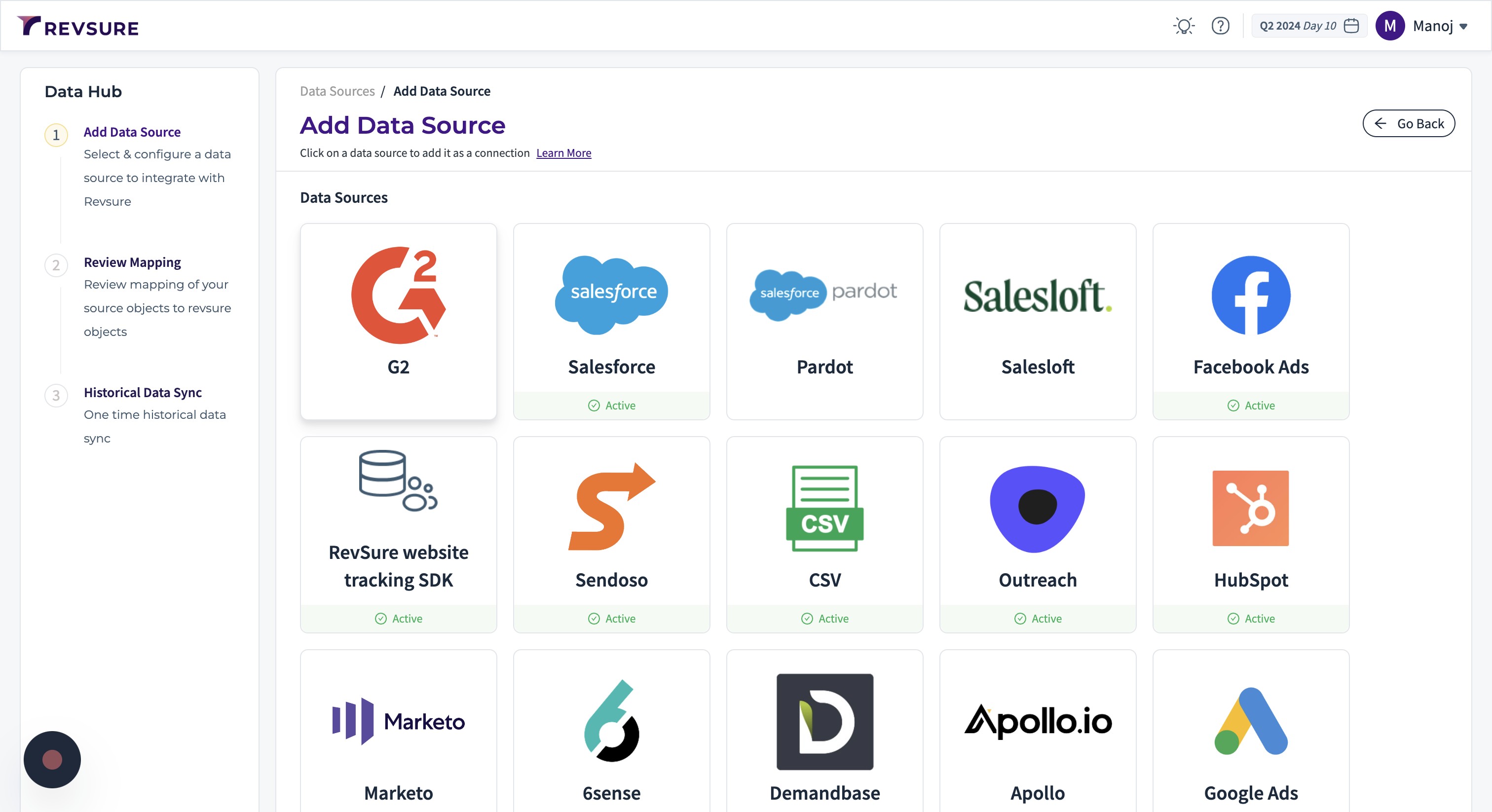
1. Navigate to the data-hub module in the RevSure account. Click on the Add data source button
2. Select G2 data source, and it will open a sidebar to configure the connection details
3. Enter a unique connection name to identify the connection
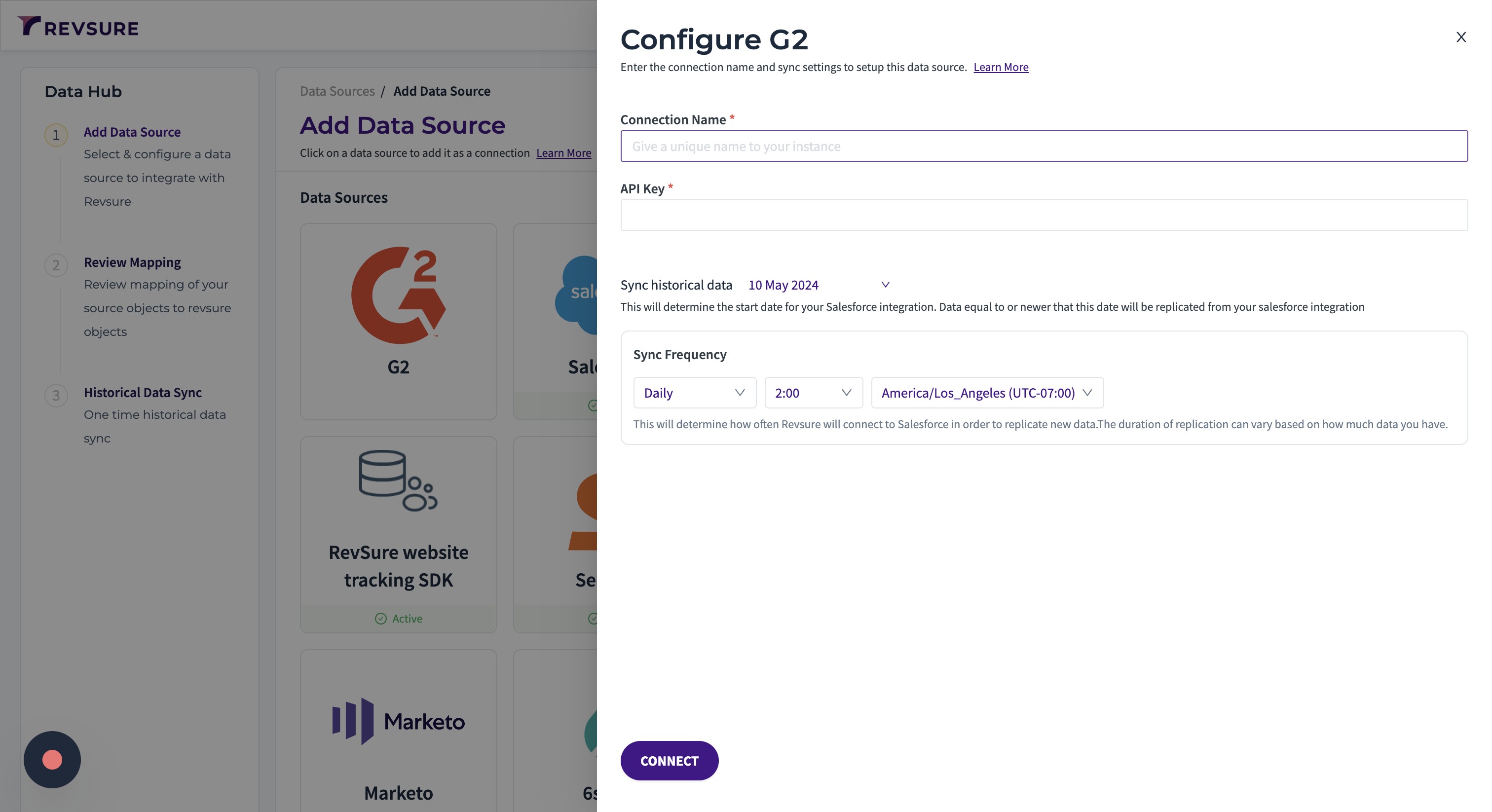
4. Enter the API key to establish the connection
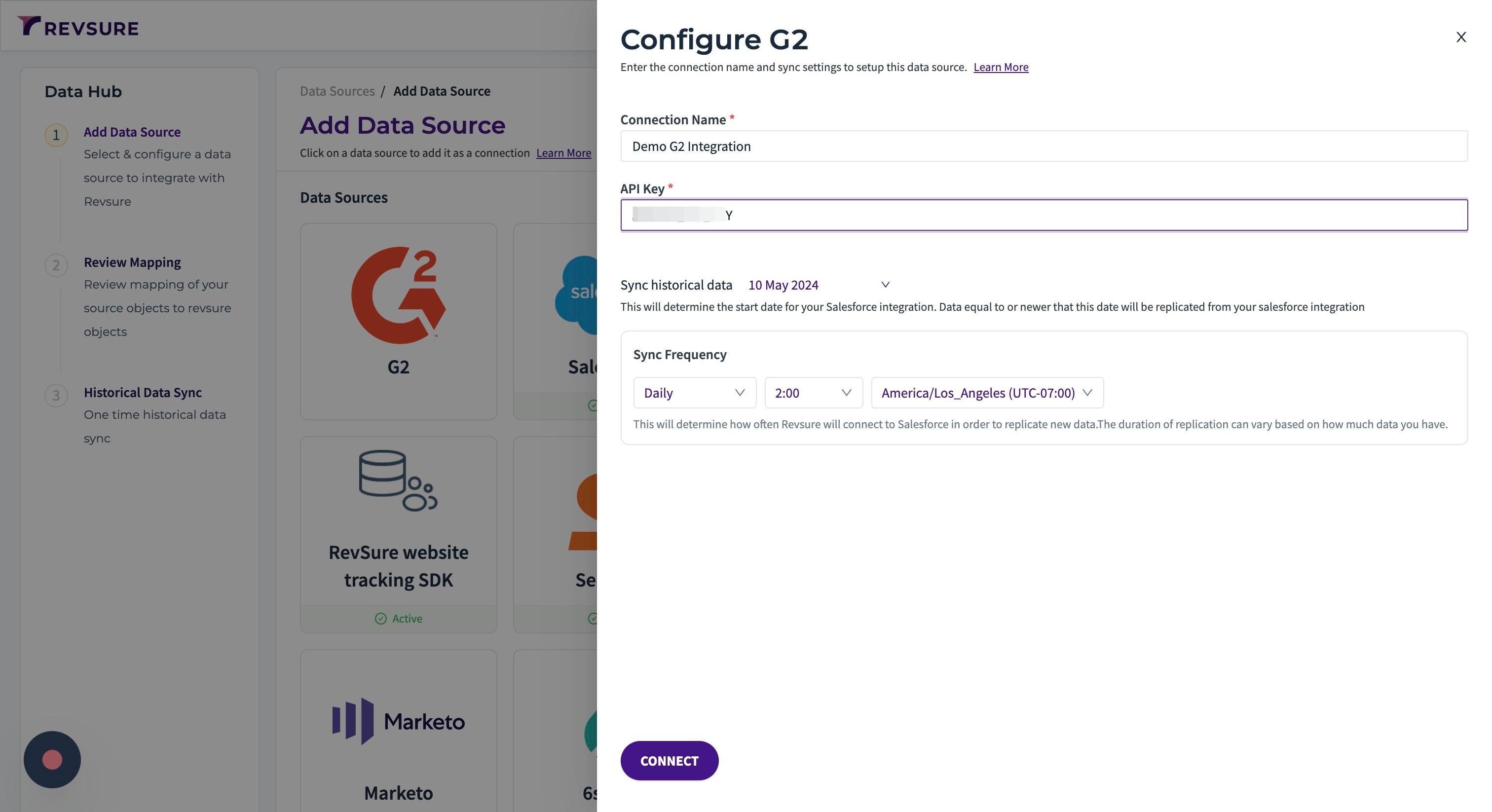
5. Select historical date to sync from
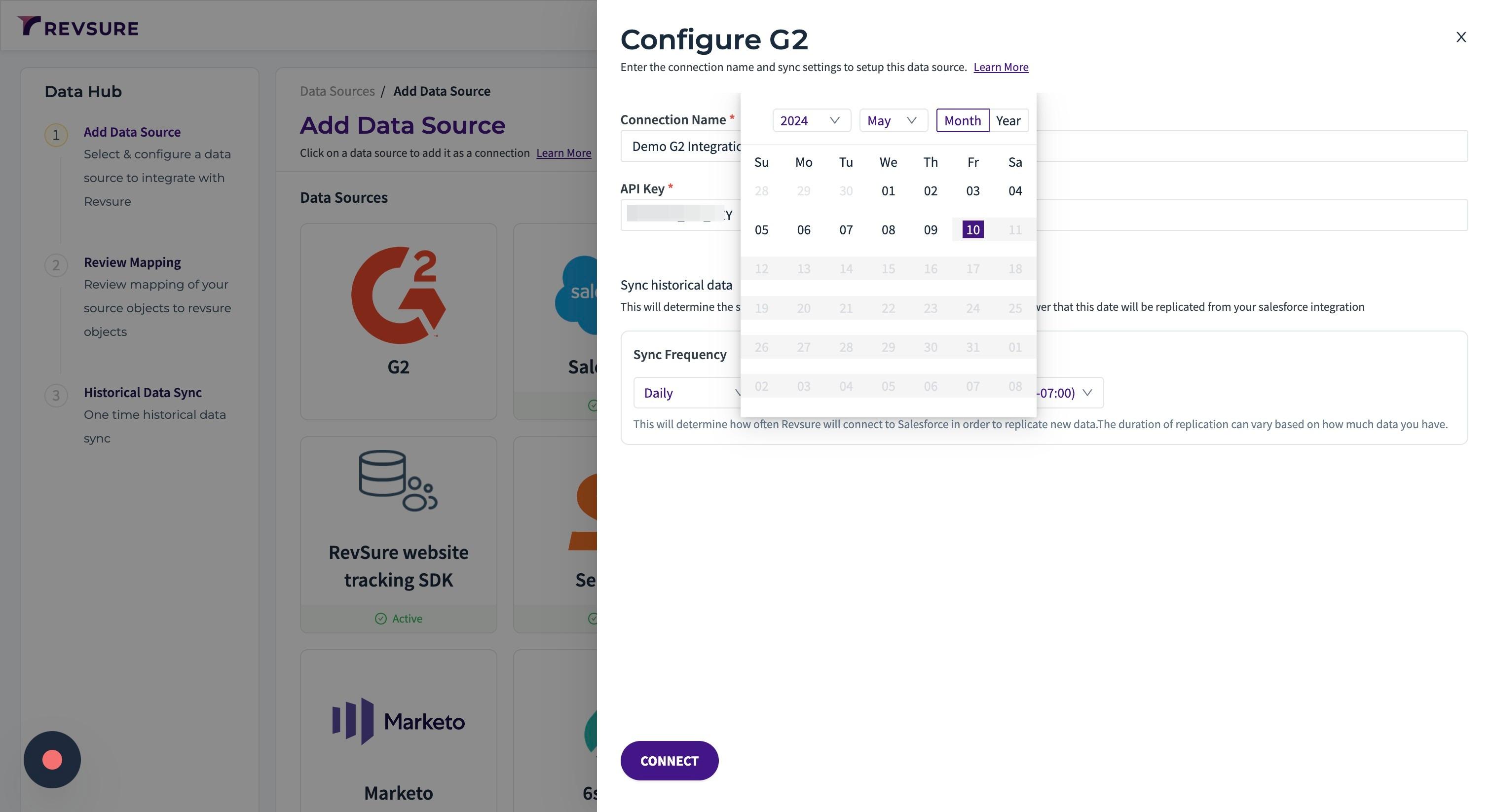
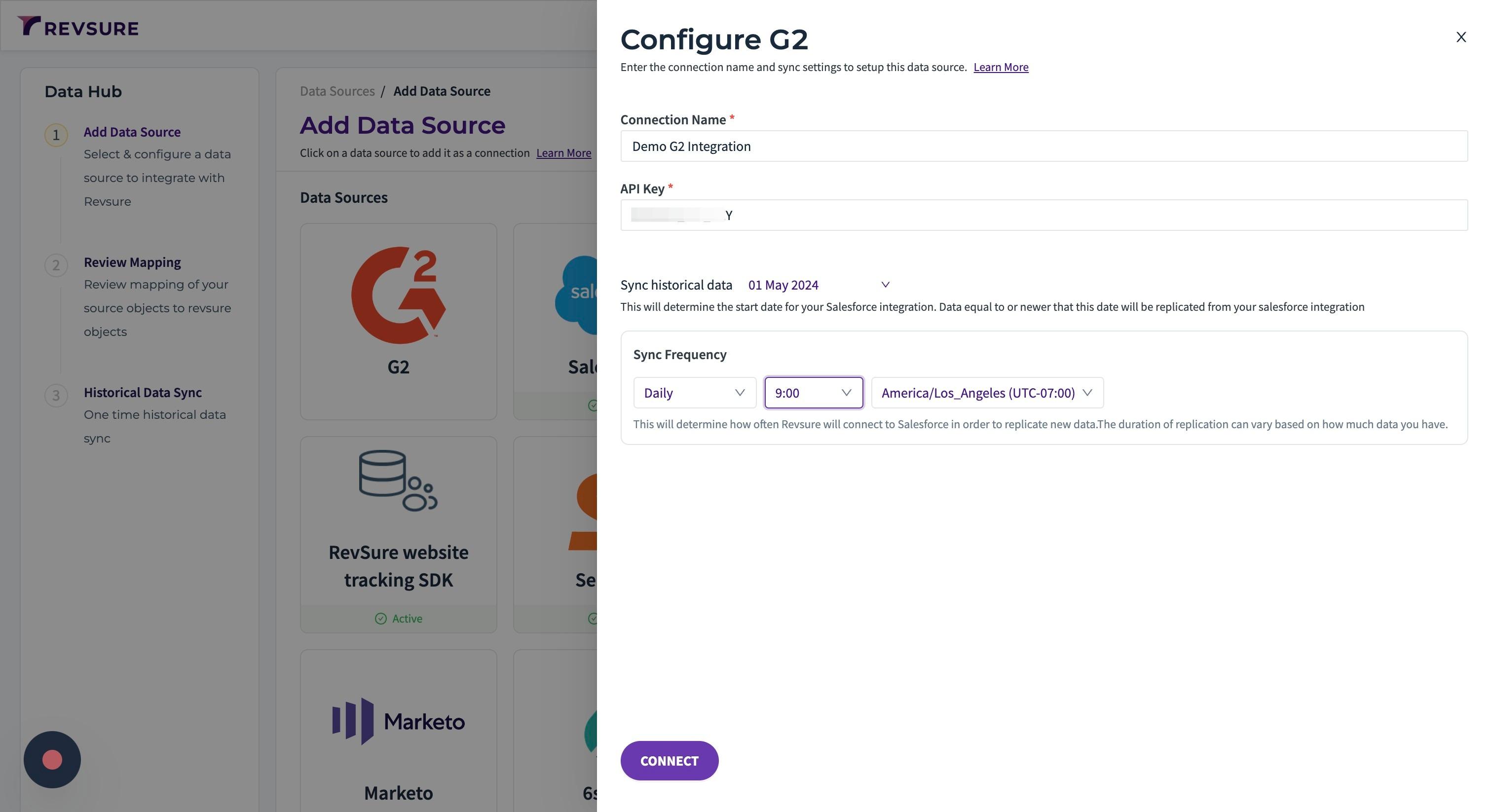
6. Select sync frequency, time and timezone to trigger the sync
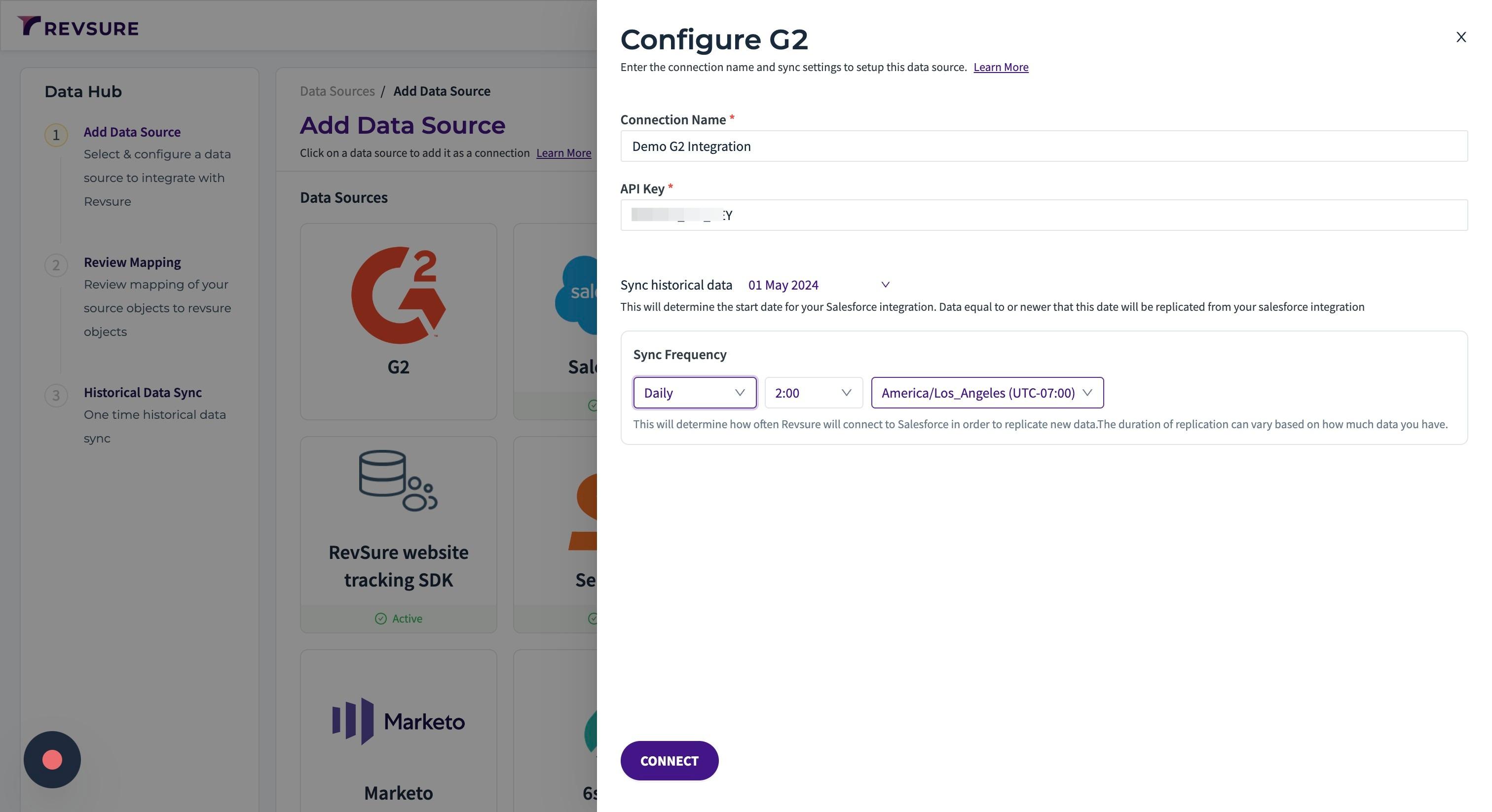
7. Click "CONNECT" to continue to mapping screen
8. Click "CONFIRM MAPPING" to confirm mapping
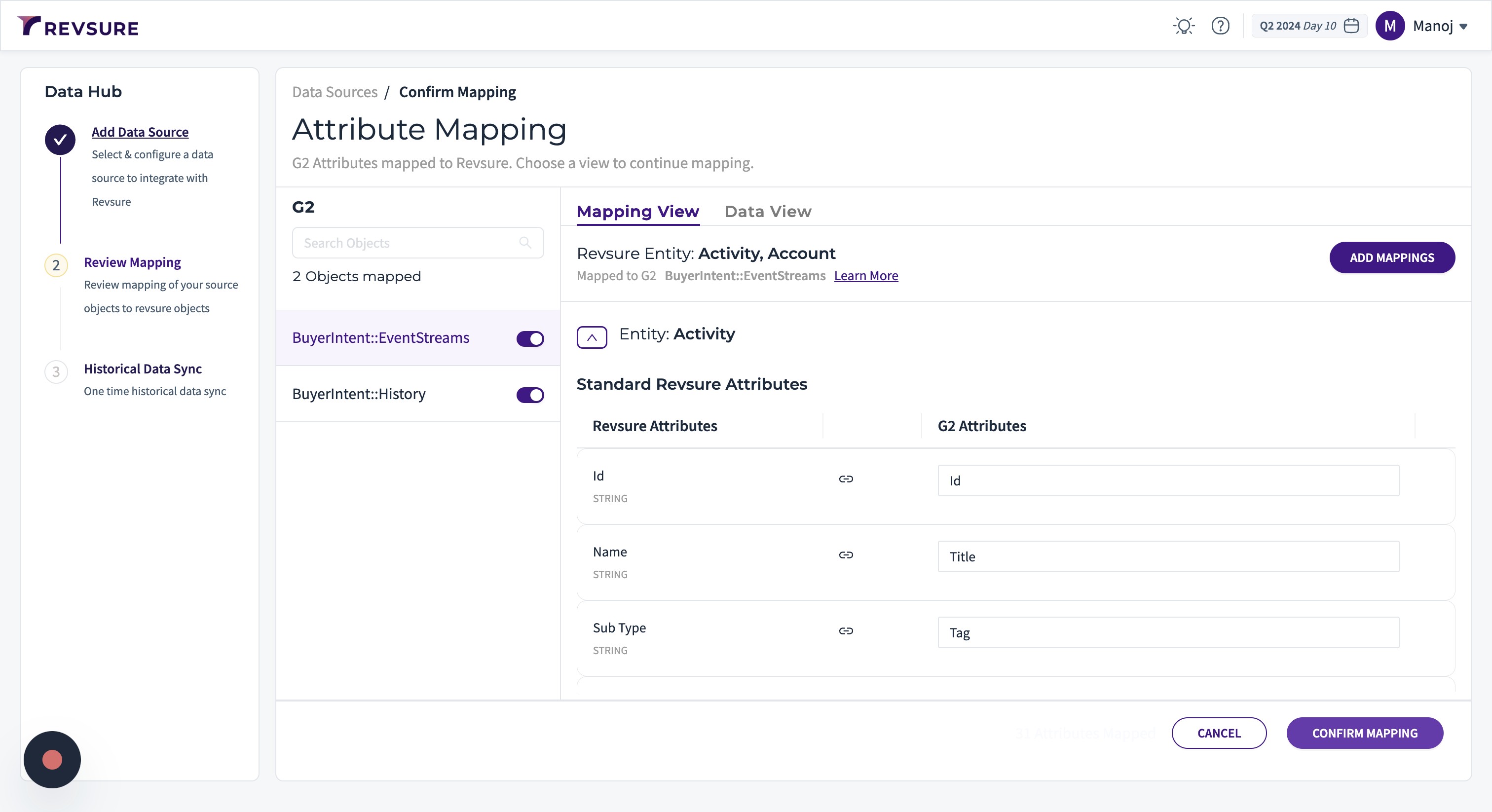
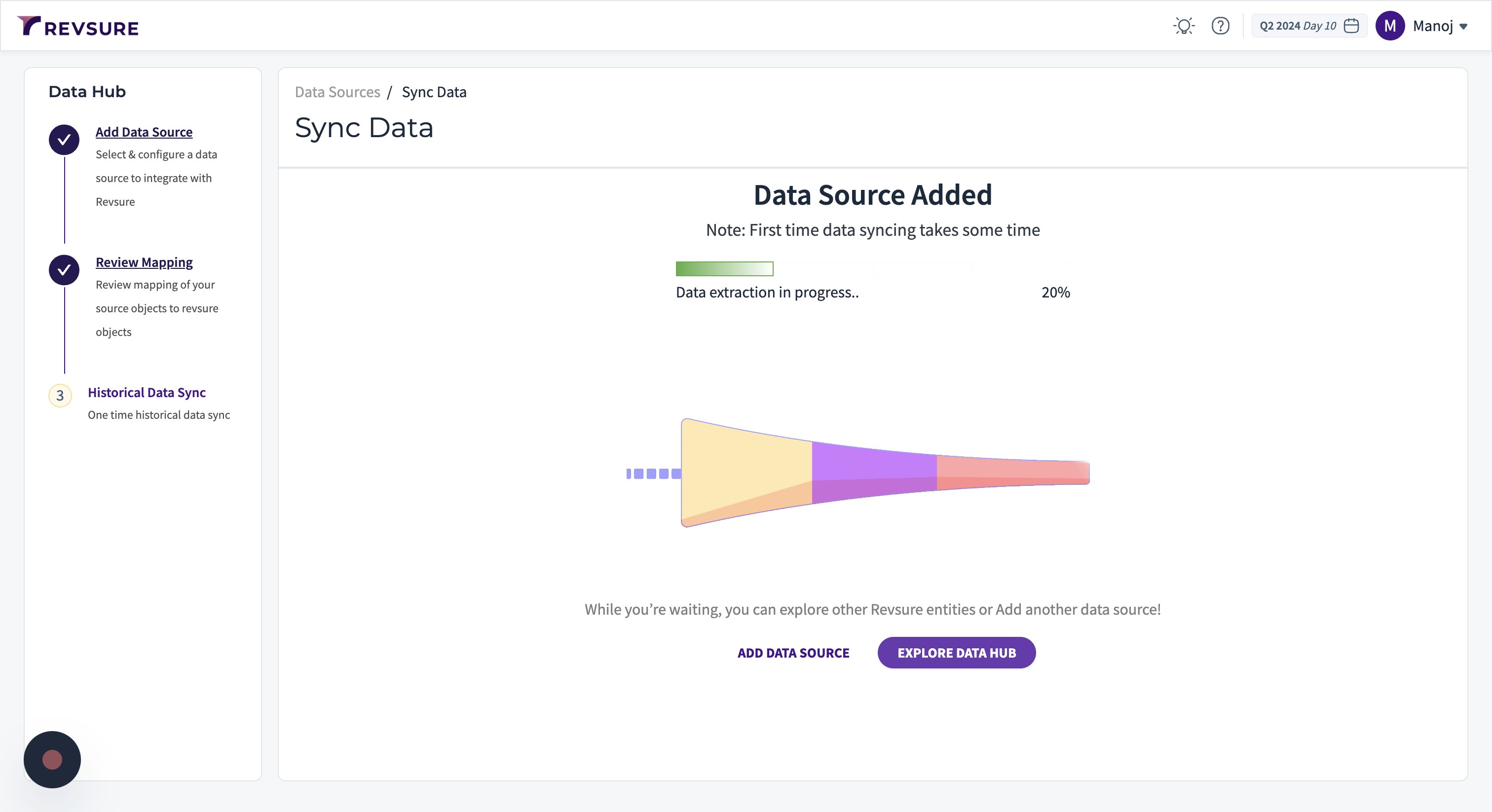
9. Data source will be added, and you will be able to view sync status