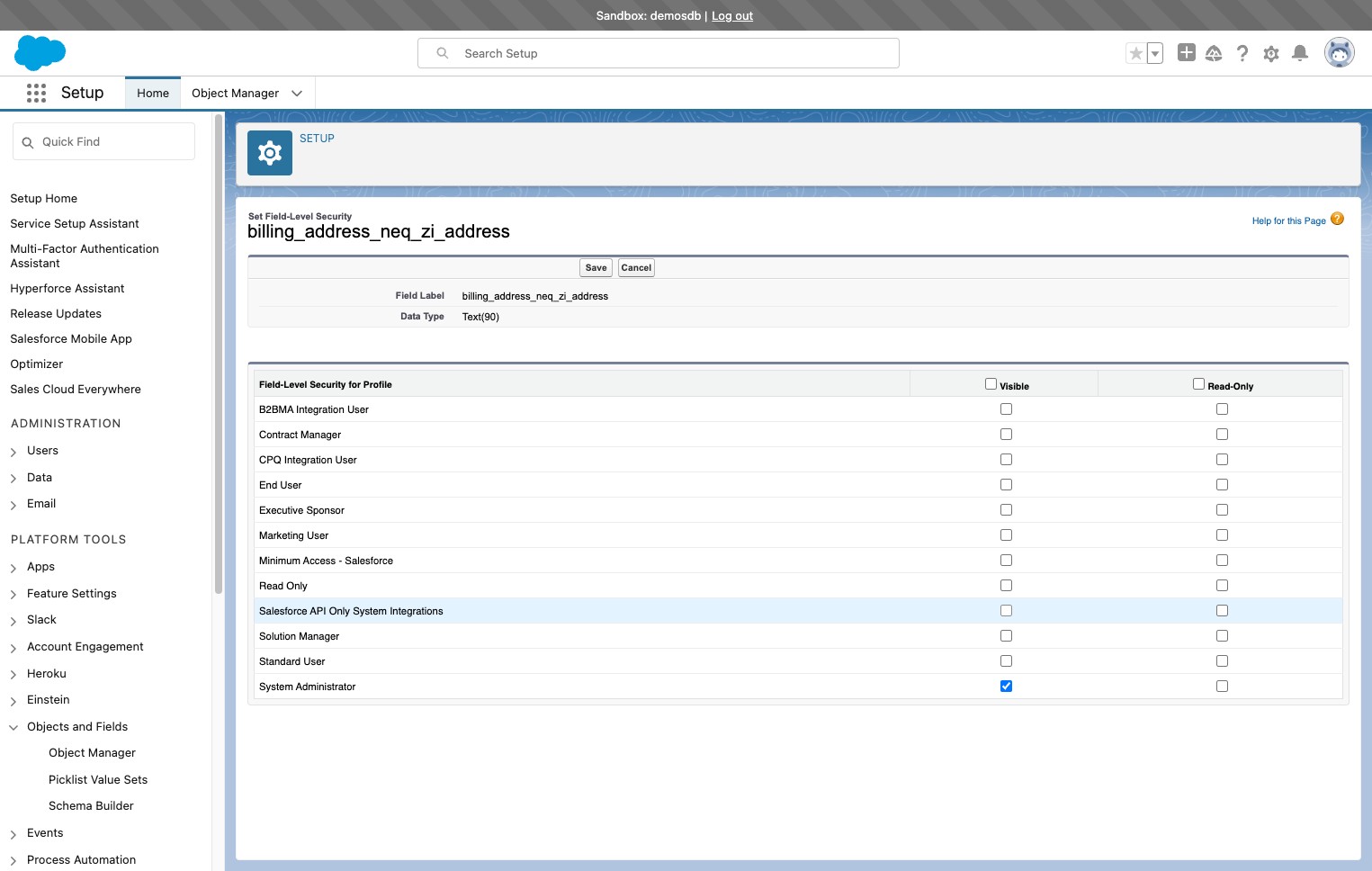
How to give field-level permissions in Salesforce
This page is part of RevSure’s Comprehensive FAQs, your all-in-one hub for answers on capabilities, data, security, scalability, configurability, and more. Click here to return to the FAQ home.
This page is part of RevSure’s Comprehensive FAQs, your all-in-one hub for answers on capabilities, data, security, scalability, configurability, and more. Click here to return to the FAQ home.


1. Navigate to your Salesforce instance
2. Click here
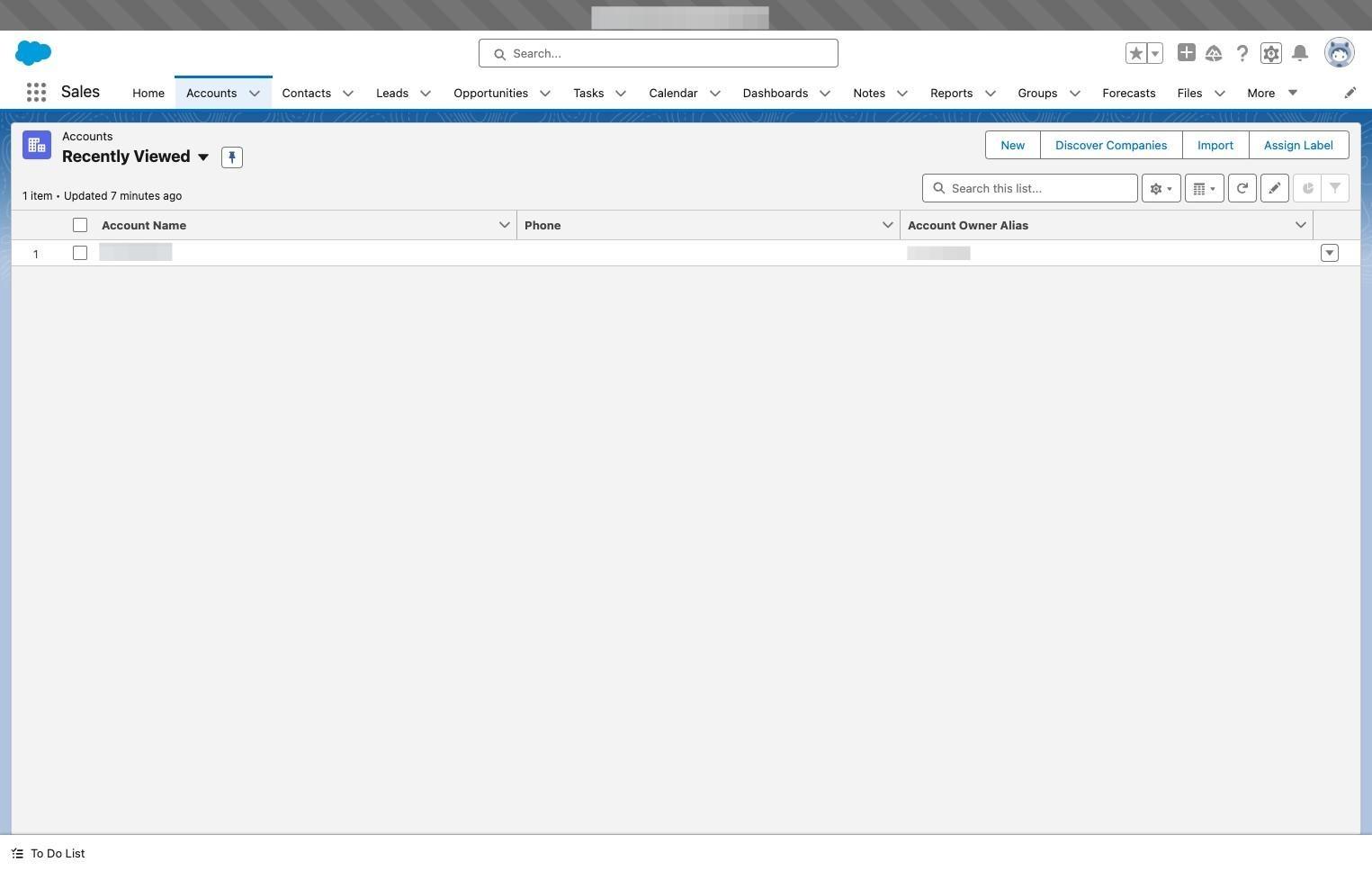
3. Click "Setup for current app"
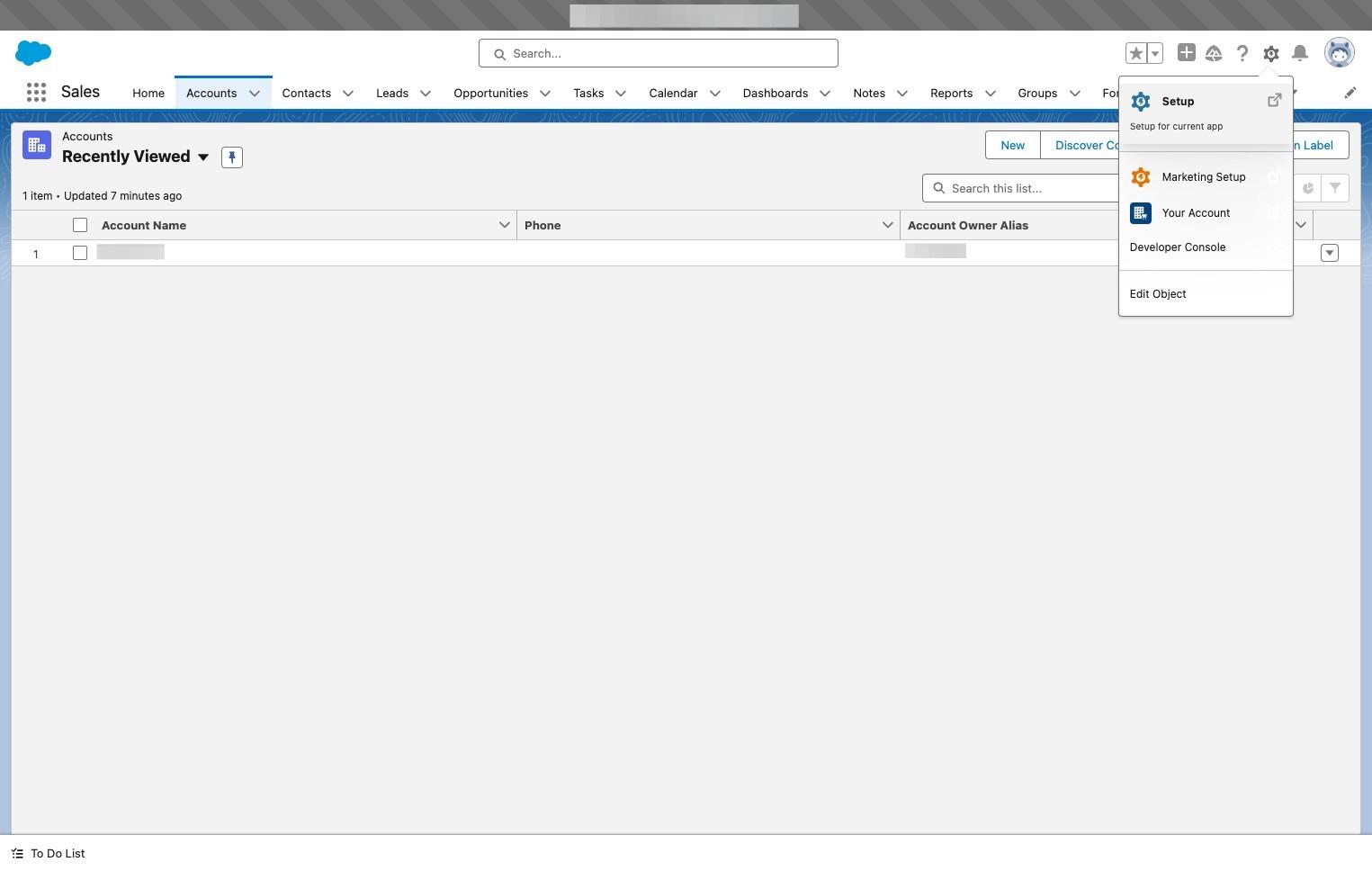
4. Click "Object Manager"
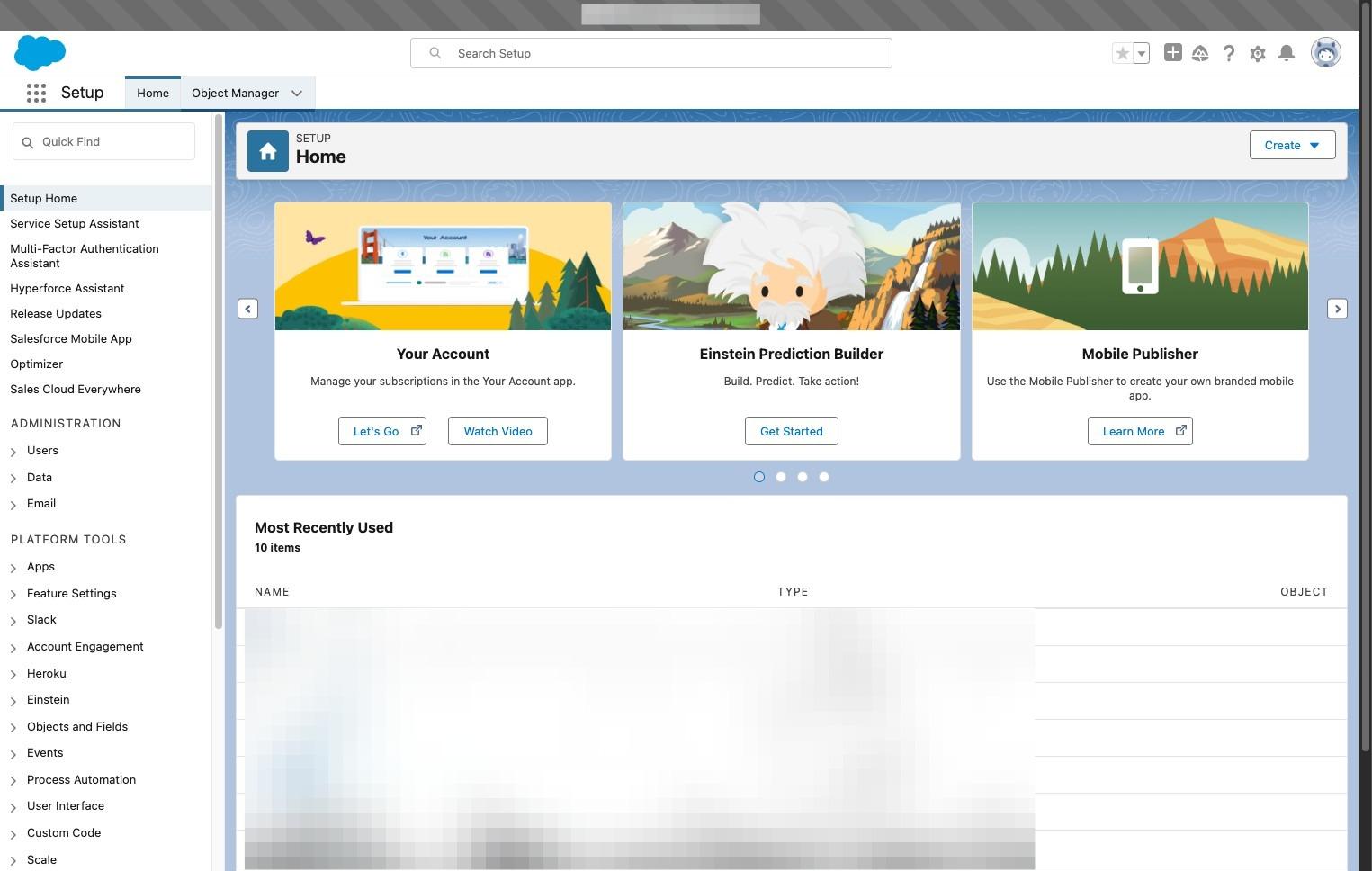
5. Click salesforce object
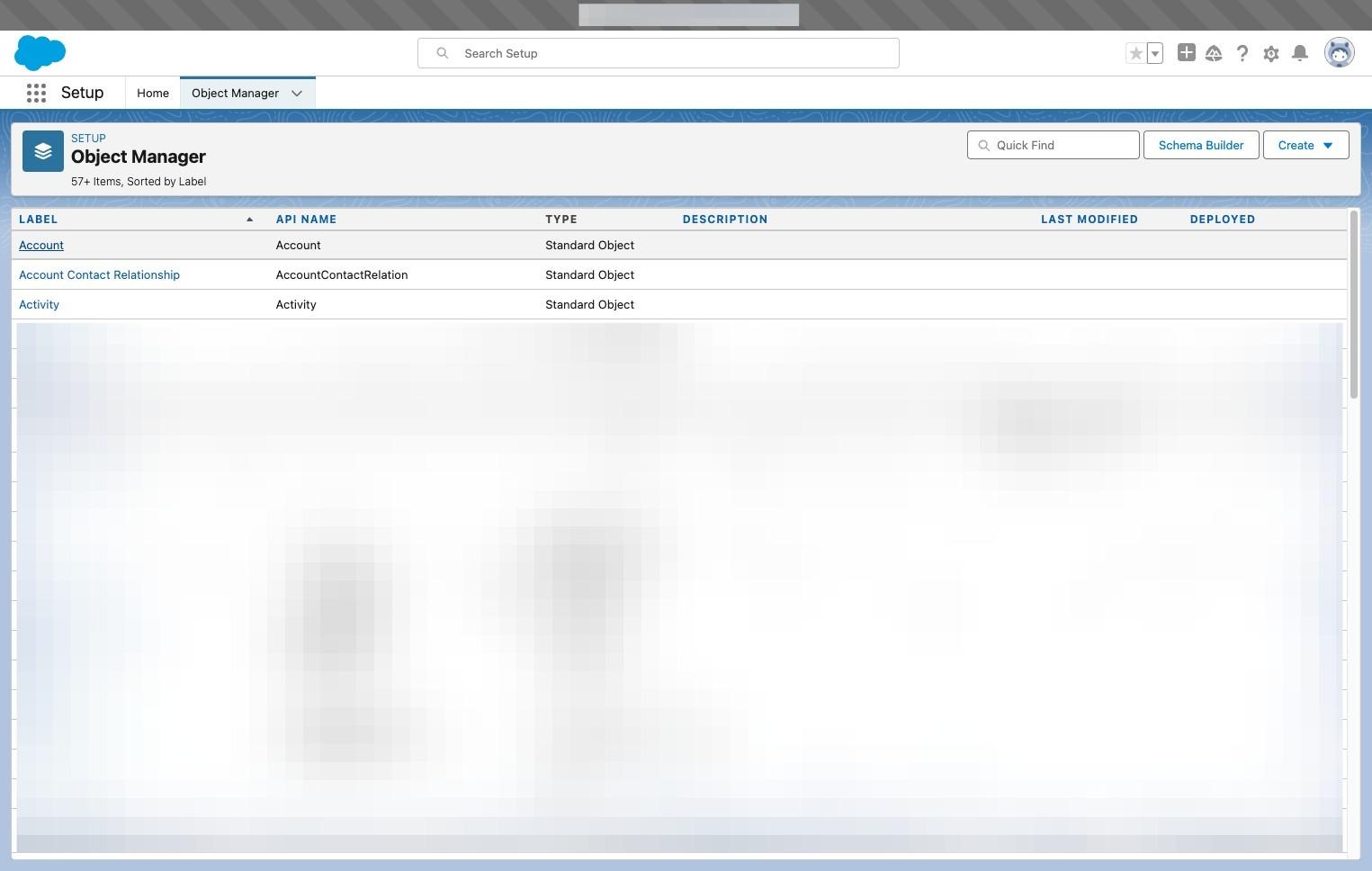
6. Click "Fields & Relationships"
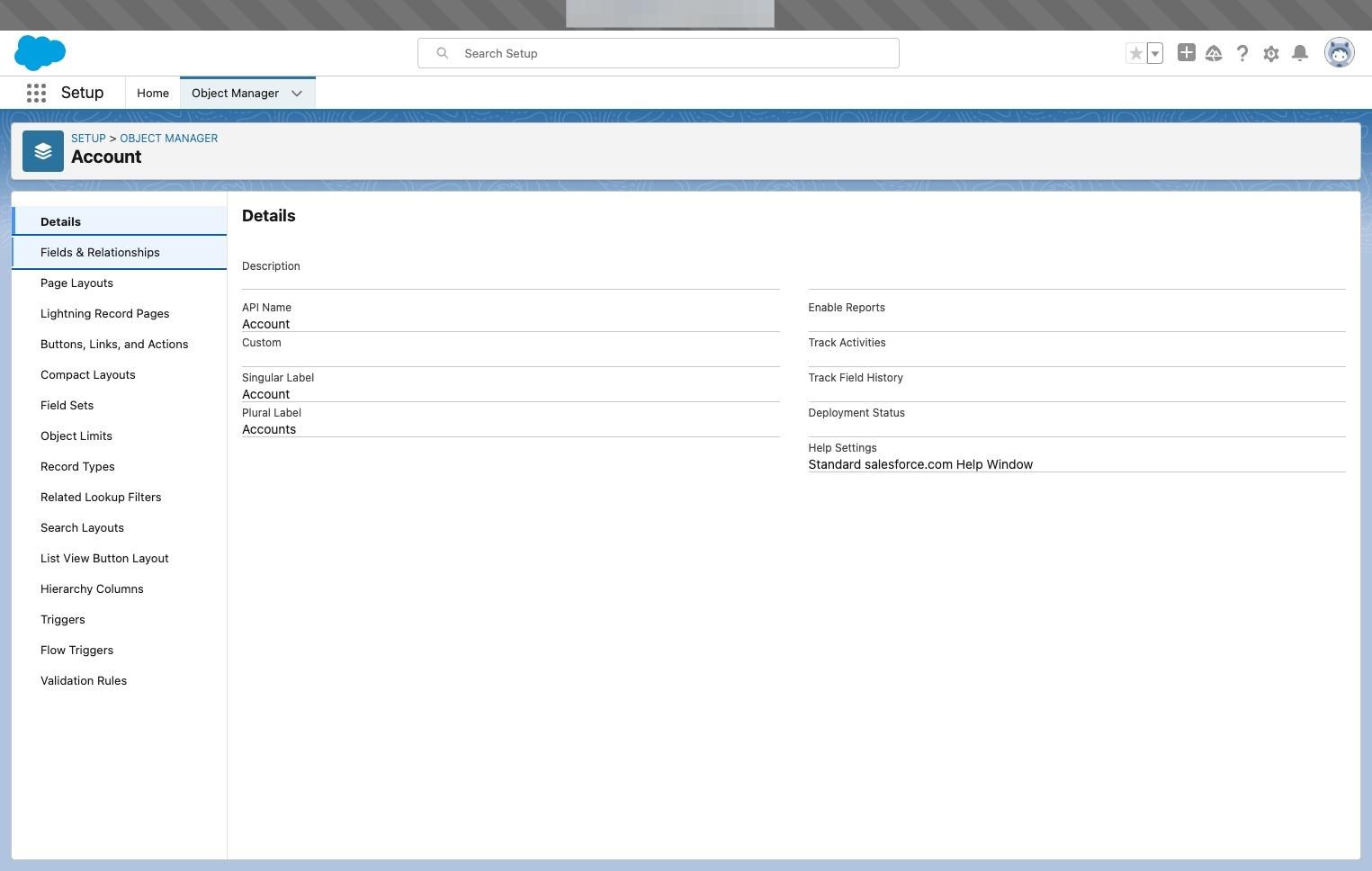
7. Click the custom field
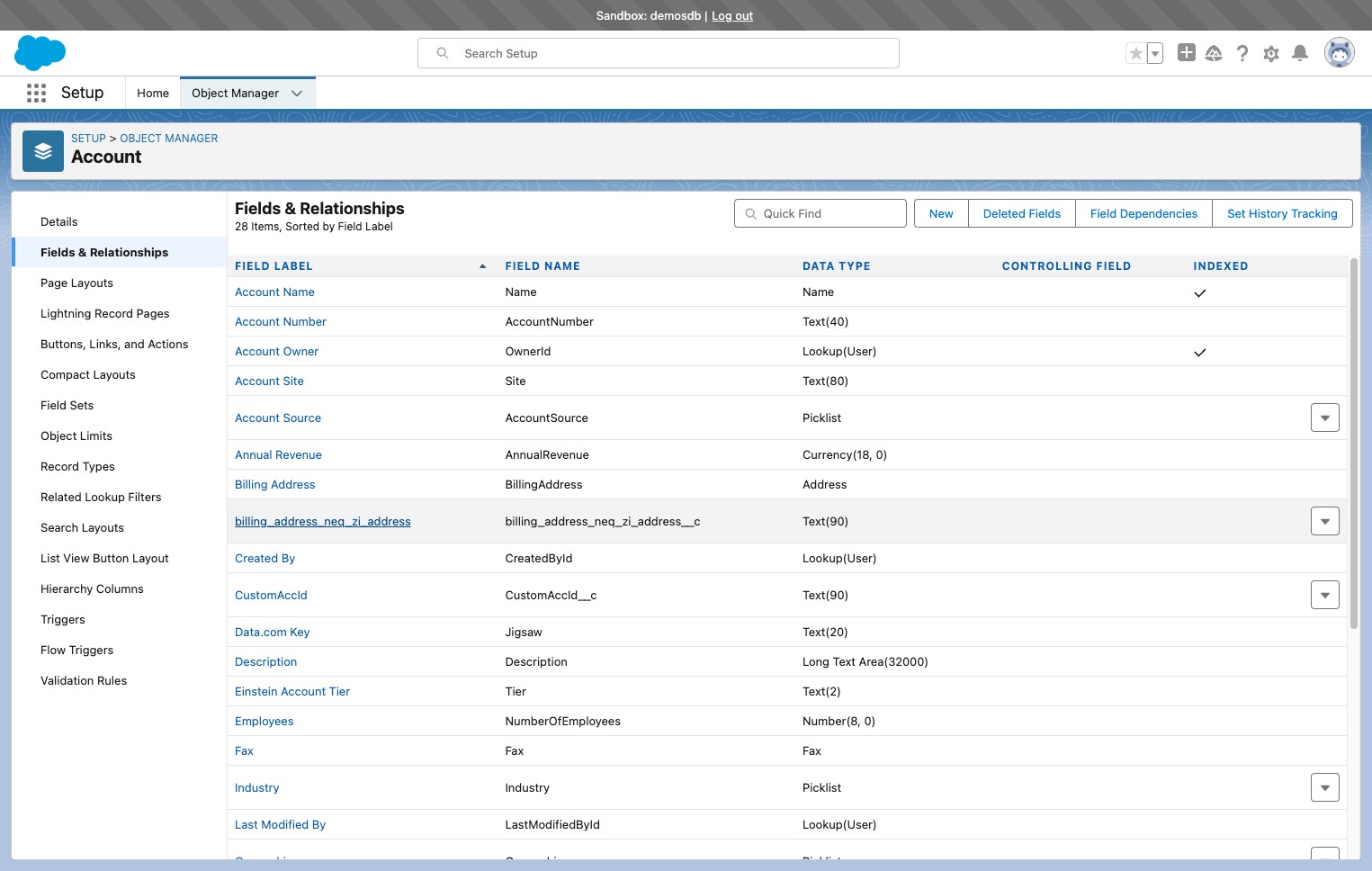
8. Click the profile that RevSure Integration email belongs to and click the save button