How to configure "Login with SSO" in Salesforce
This page is part of RevSure’s Comprehensive FAQs, your all-in-one hub for answers on capabilities, data, security, scalability, configurability, and more. Click here to return to the FAQ home.
This page is part of RevSure’s Comprehensive FAQs, your all-in-one hub for answers on capabilities, data, security, scalability, configurability, and more. Click here to return to the FAQ home.


1. Navigate to your Salesforce instance
2. Click here on setting icon.
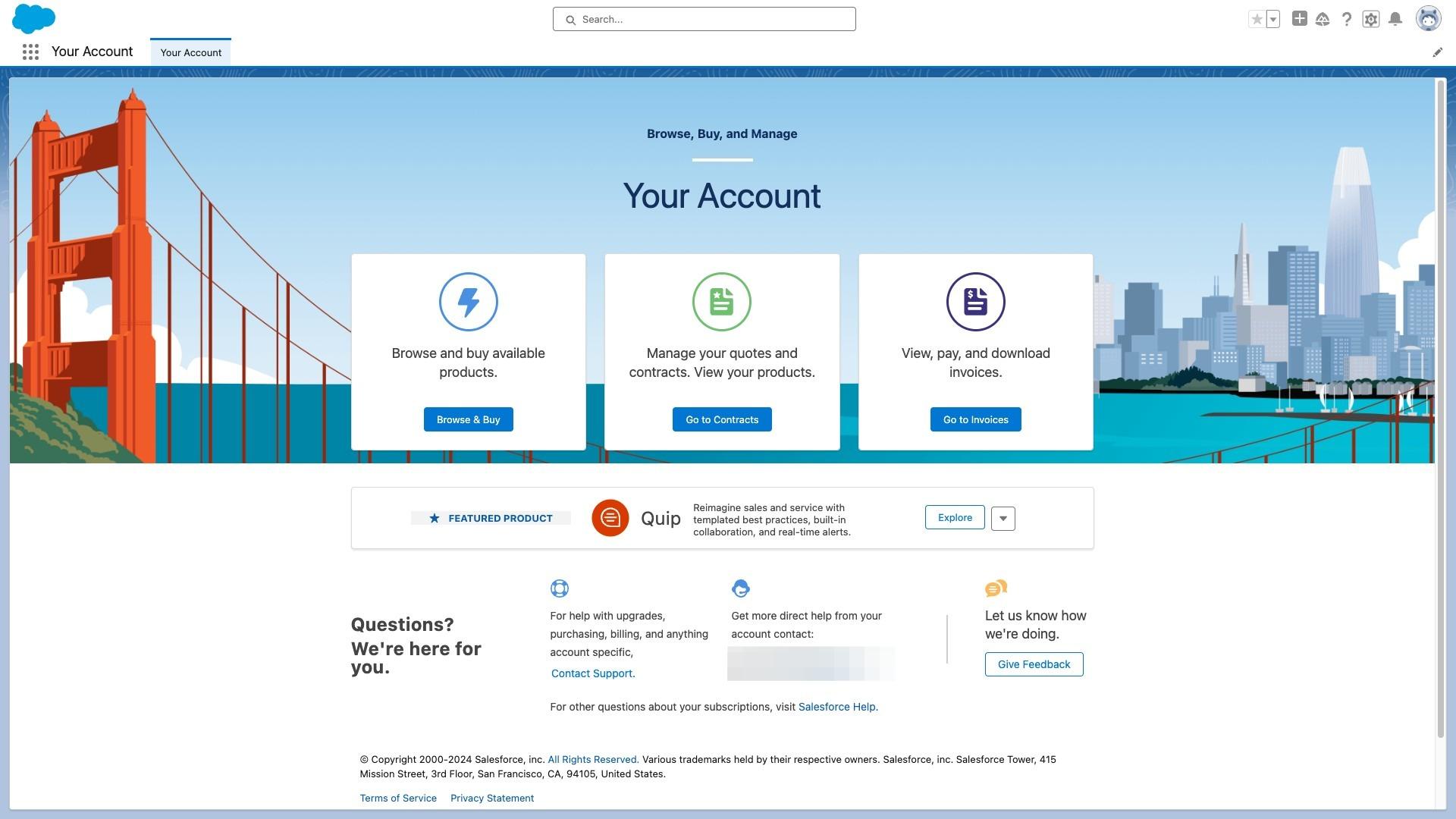
3. Click here on setup button.
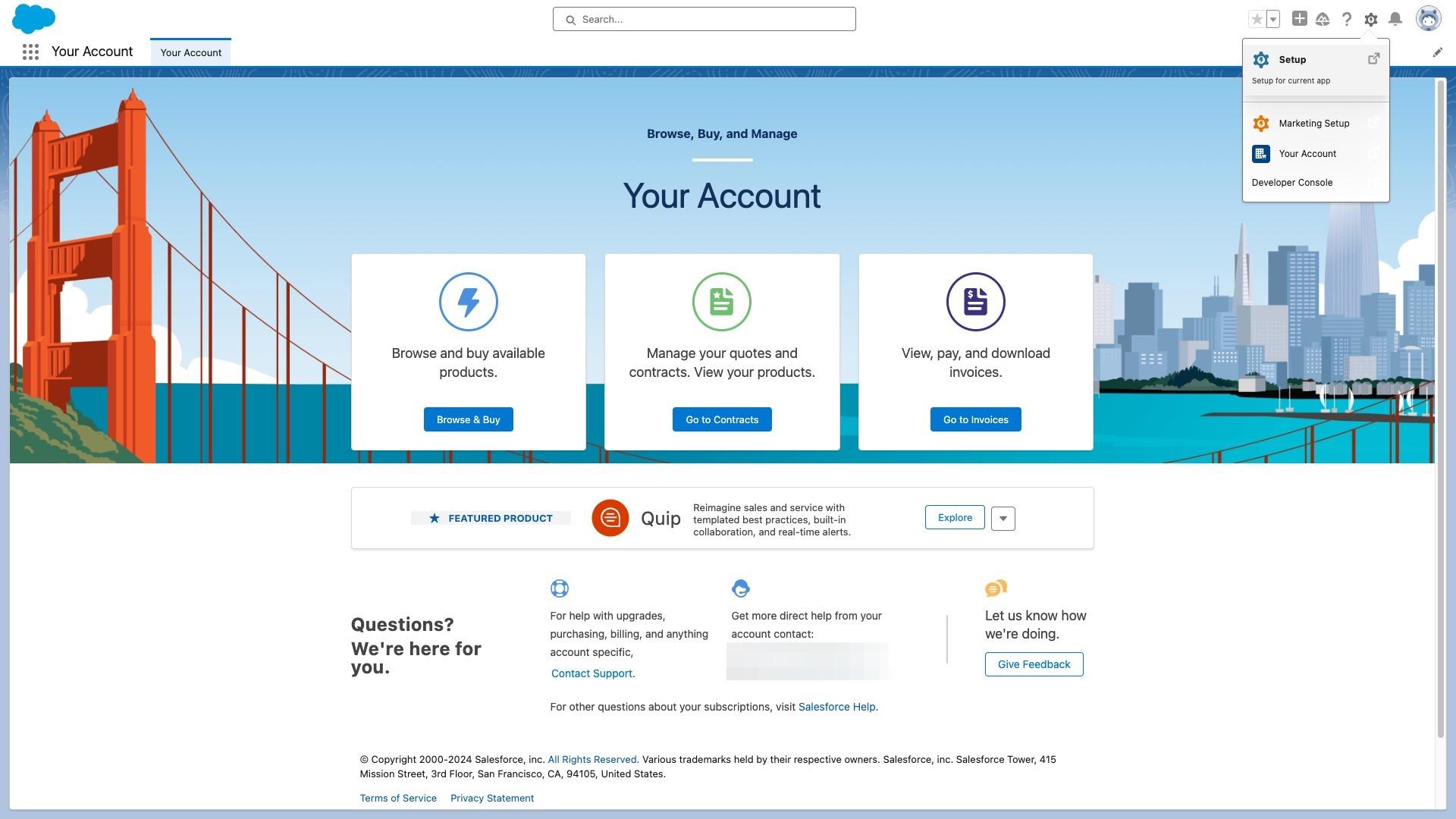
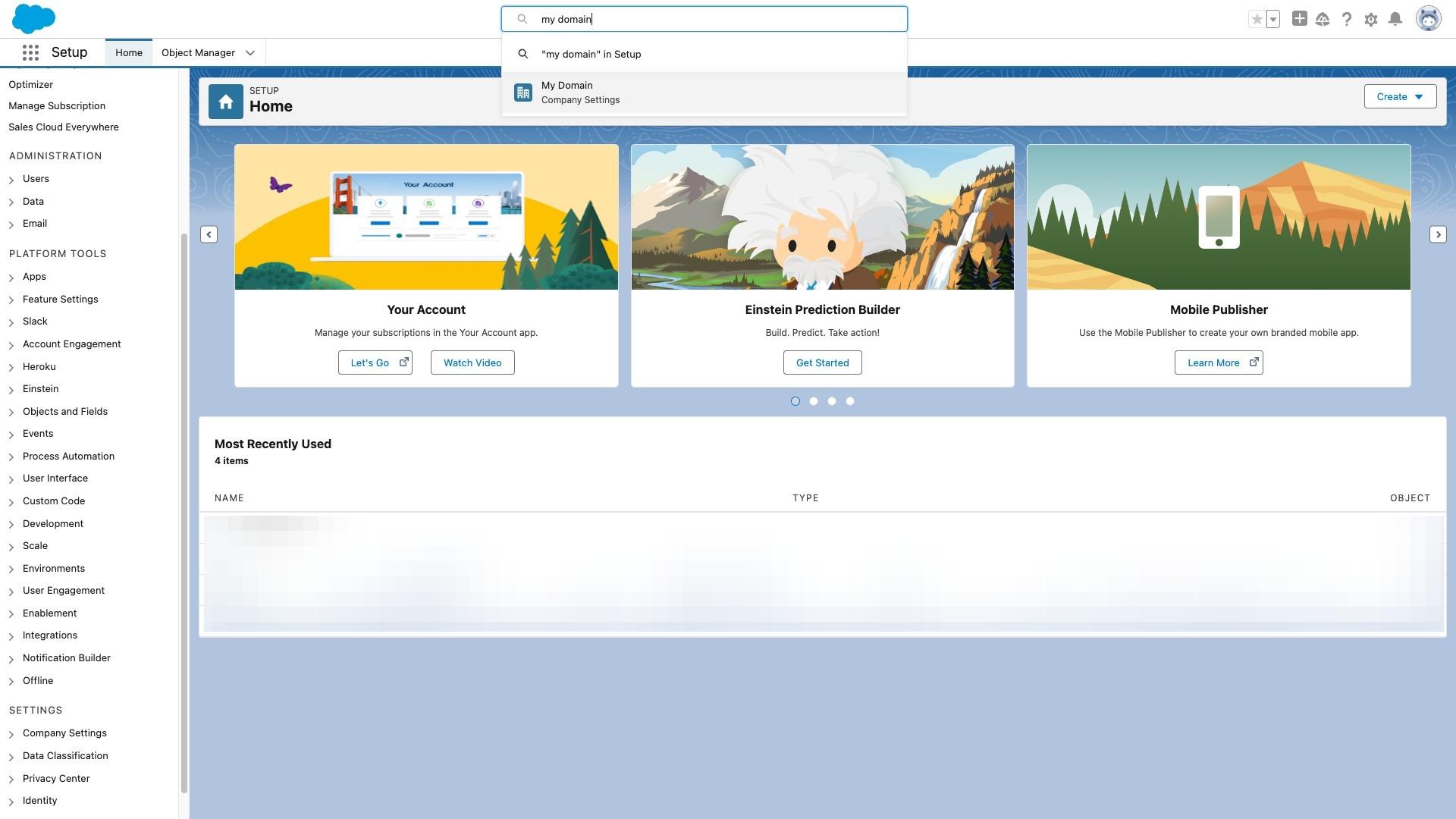
4. Click the "Search Setup" field.
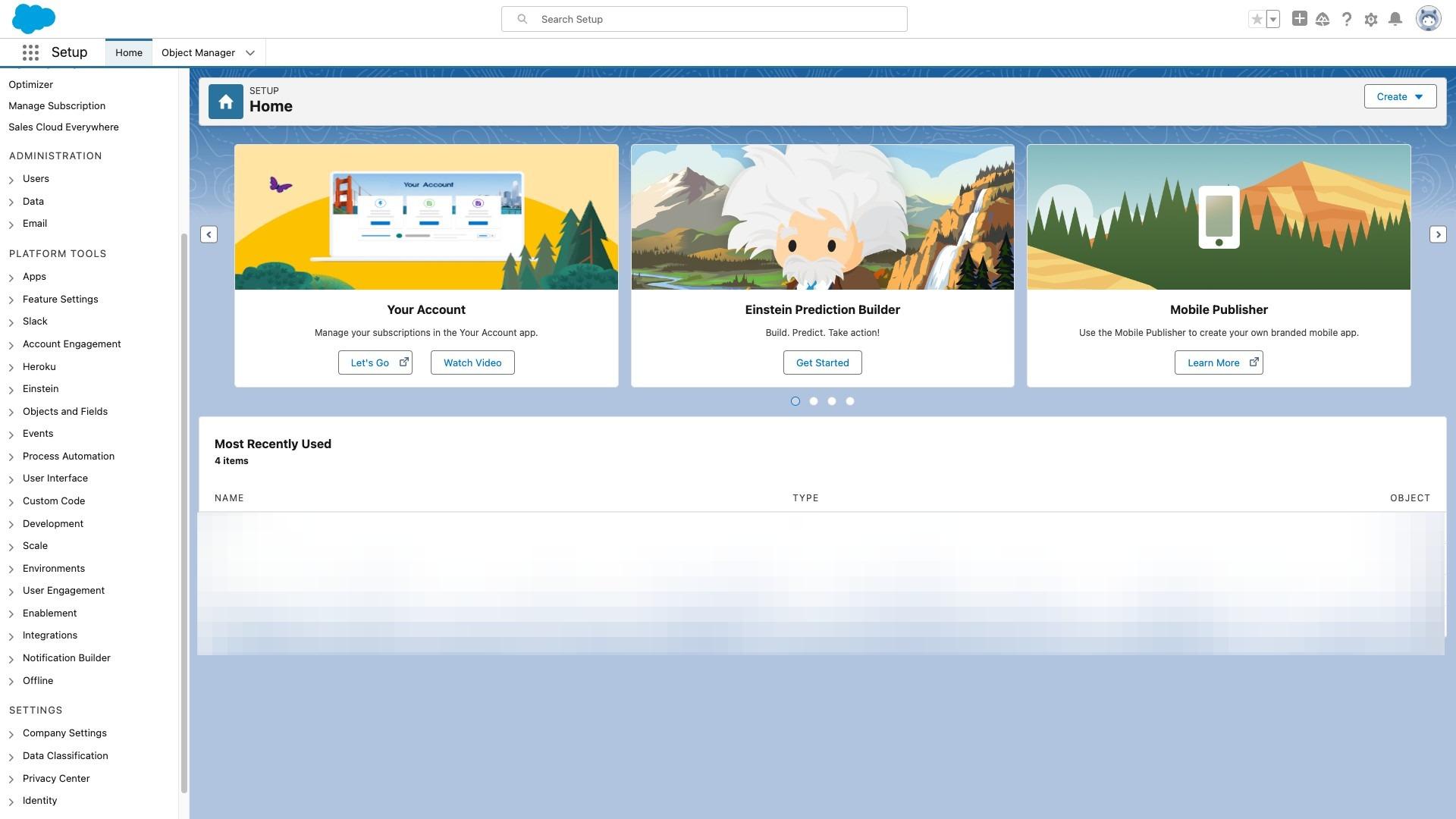
5. Type "My Domain" and Click on "My Domain" from dropdown
6. Scroll down to Authentication Configuration and Click on "Edit"
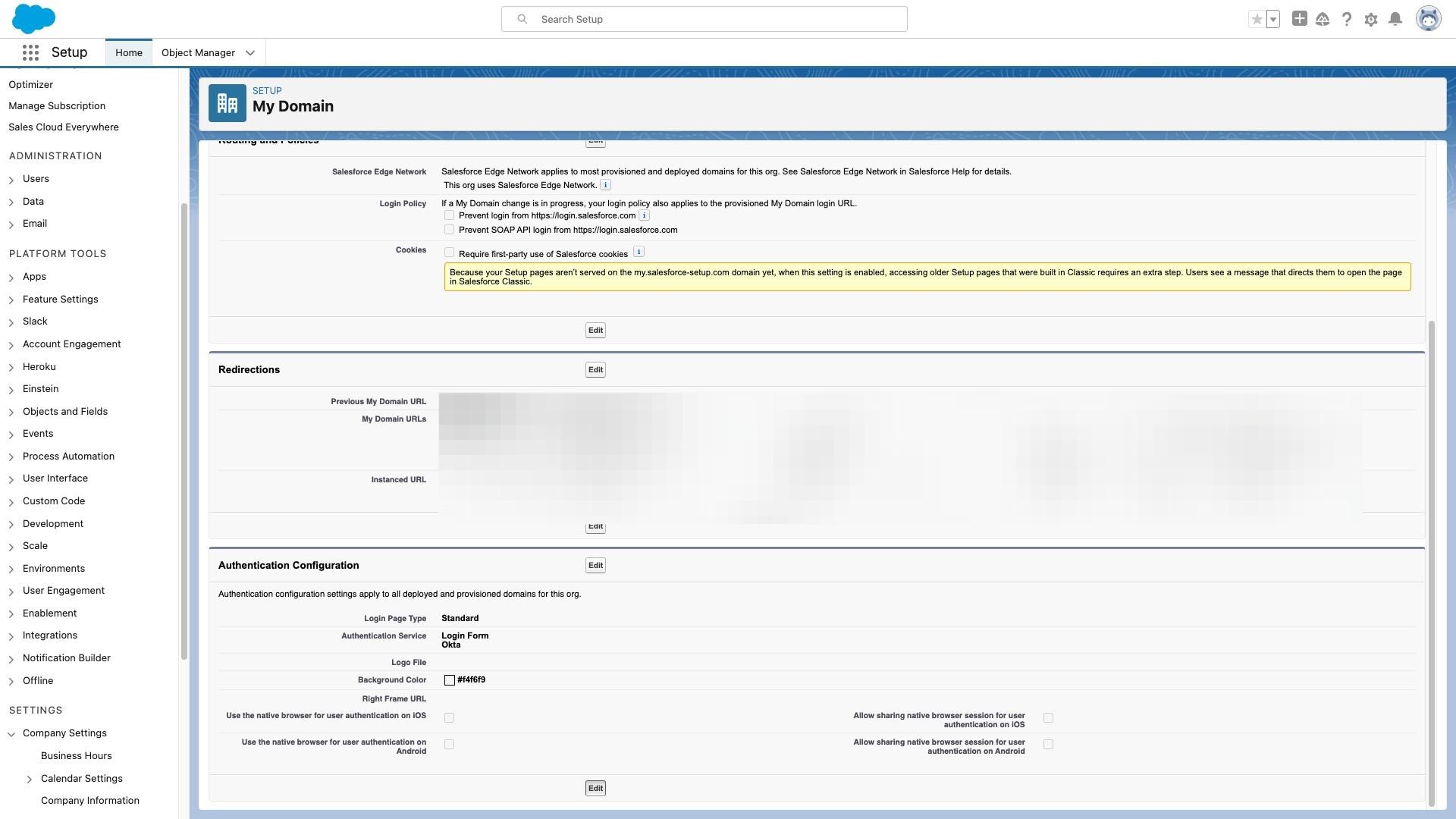
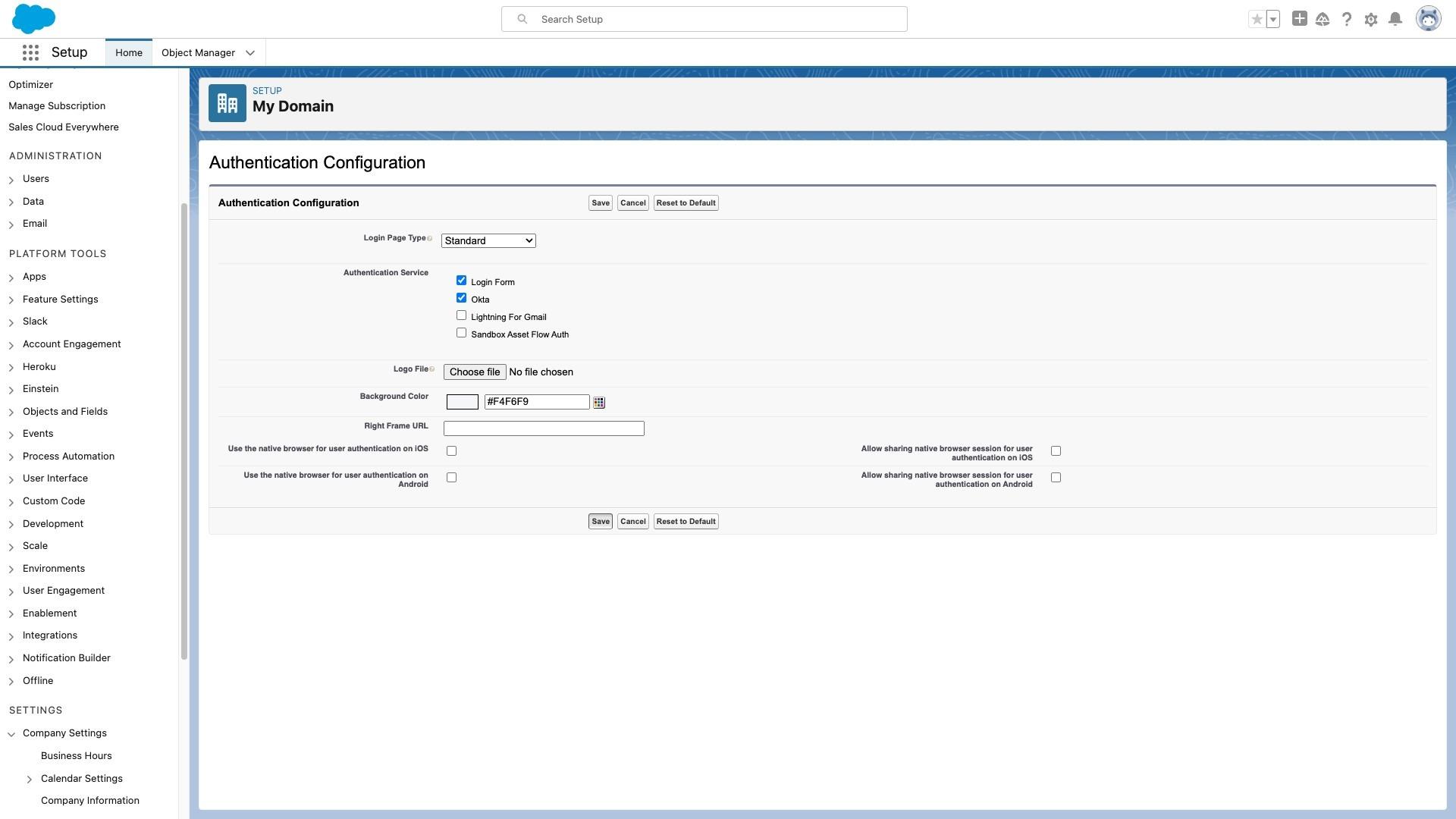
7. Select the authentication service of SSO. Label of authentication service might defer based on your SAML configuration. Once this is done. You will be able to see "Login with SSO" in login page.