How to Add RevSure First Party Pixel into your SquareSpace Website

This page is part of RevSure’s Comprehensive FAQs, your all-in-one hub for answers on capabilities, data, security, scalability, configurability, and more. Click here to return to the FAQ home.


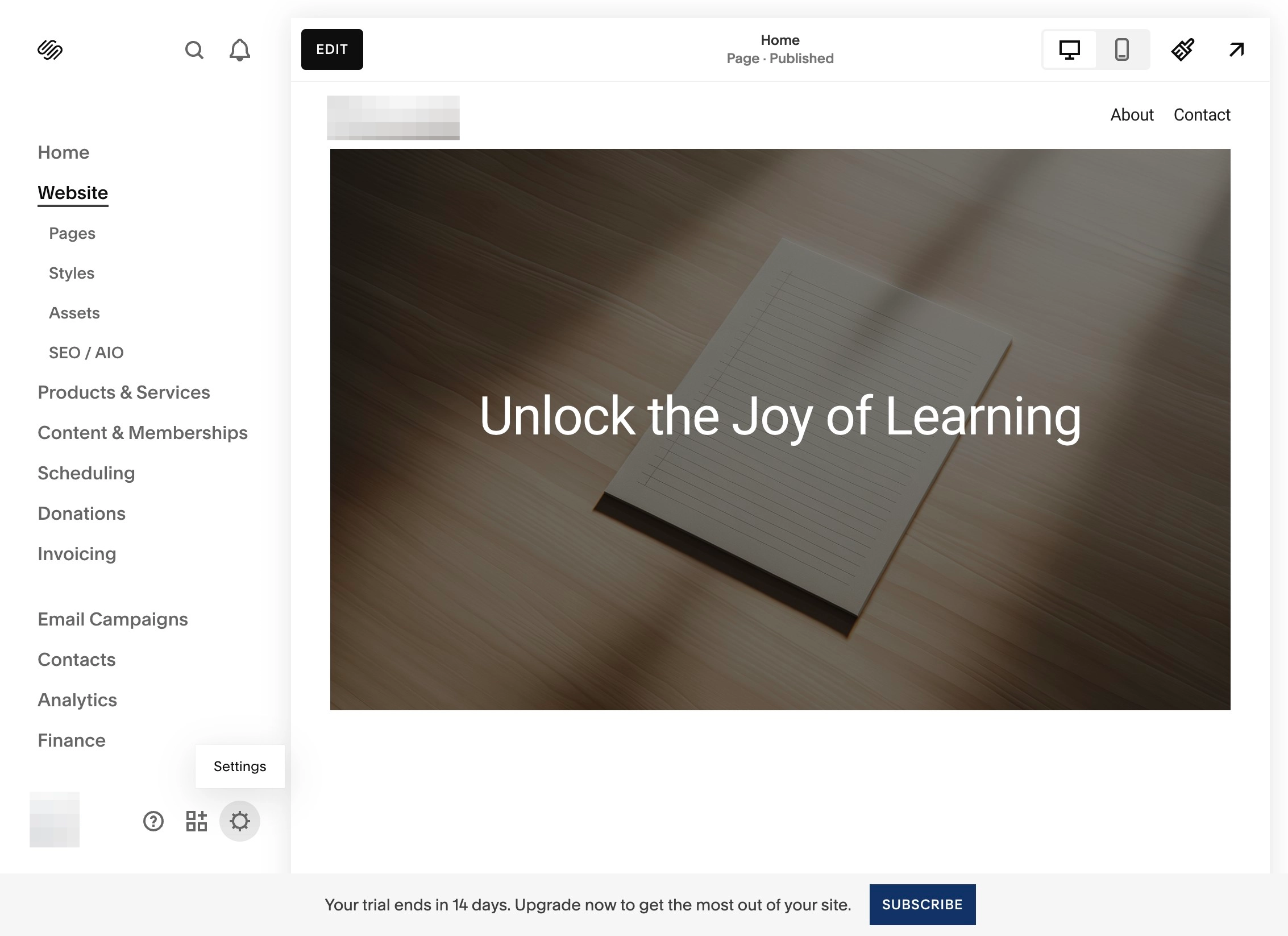
1. Navigate to SquareSpace website

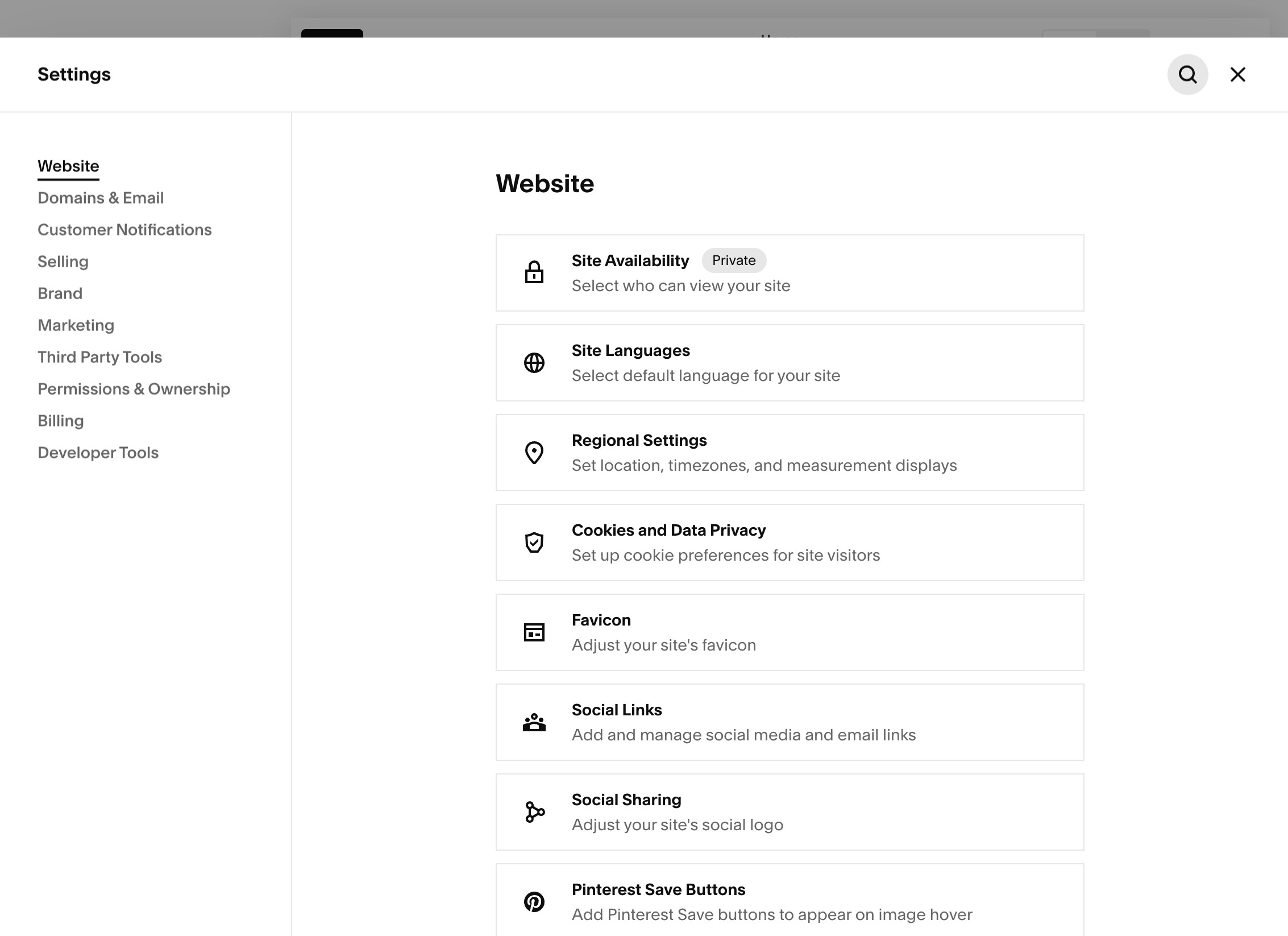
2. Click on Settings Icon

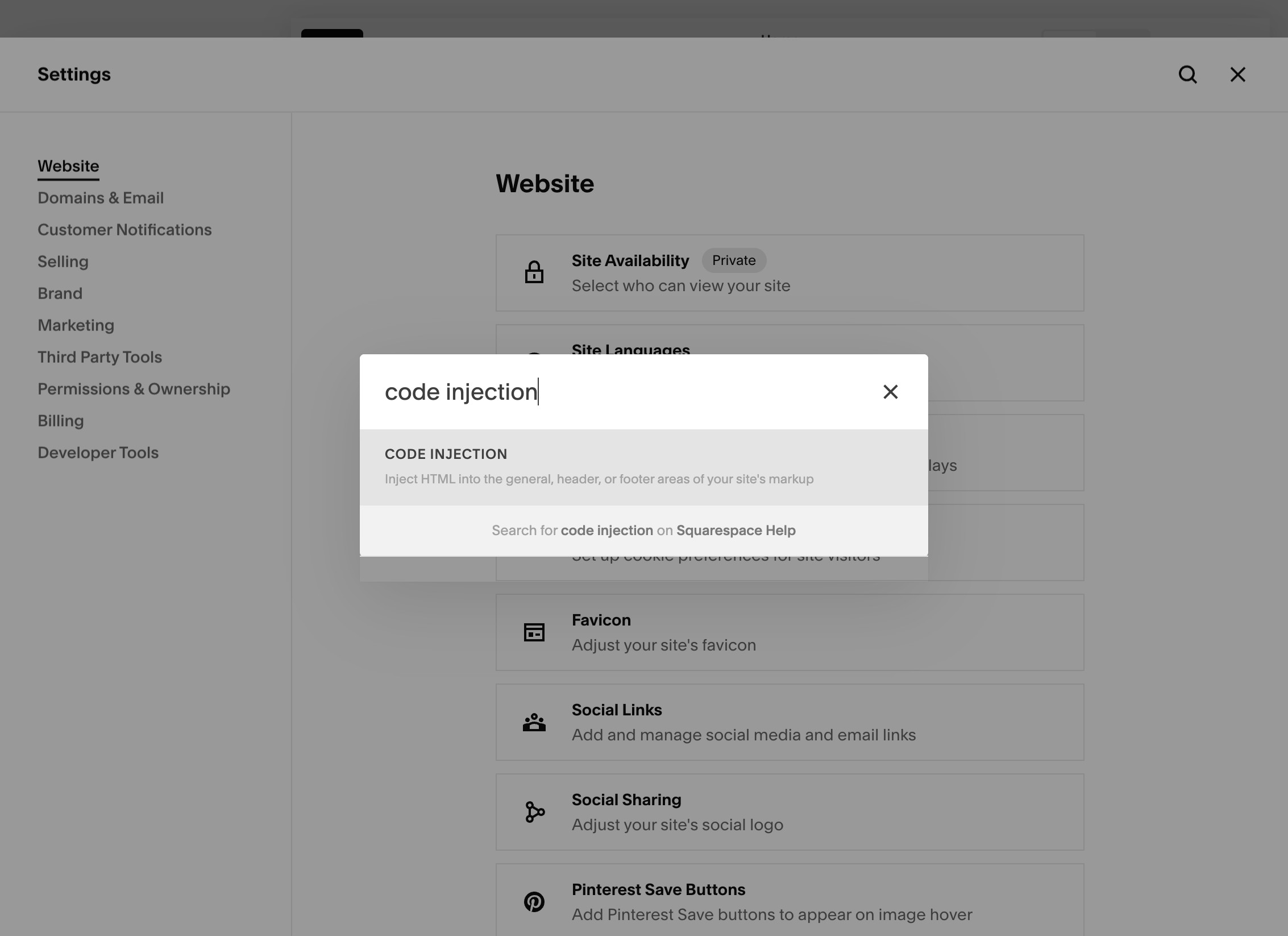
3. Click on Search

4. And Search for "Code Injection", click on Code Injection option.

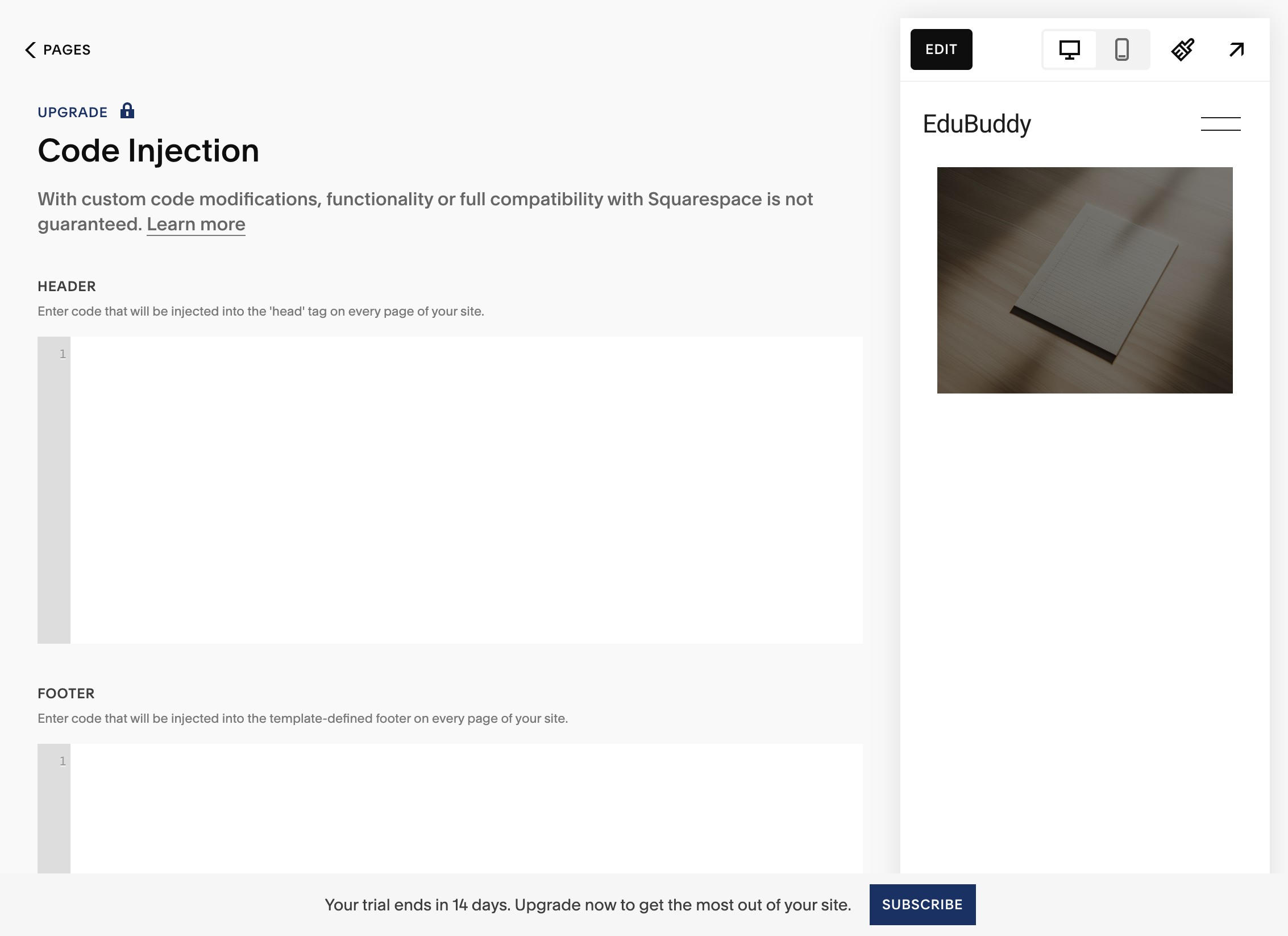
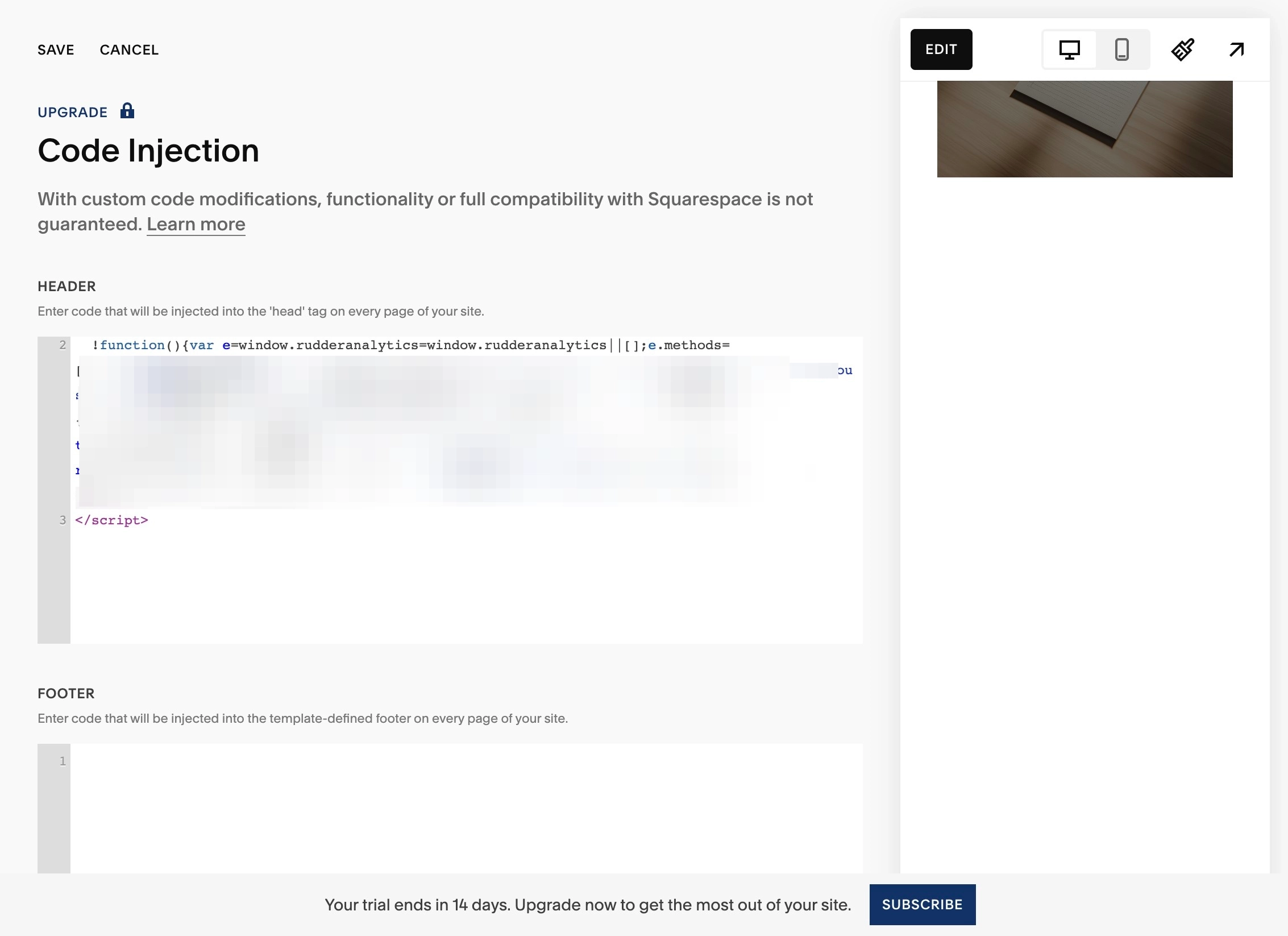
5. This would open the "Code Injection" panel.

6. In the "HEADER" section enter the complete script shared by RevSure for First Party Pixel Click.

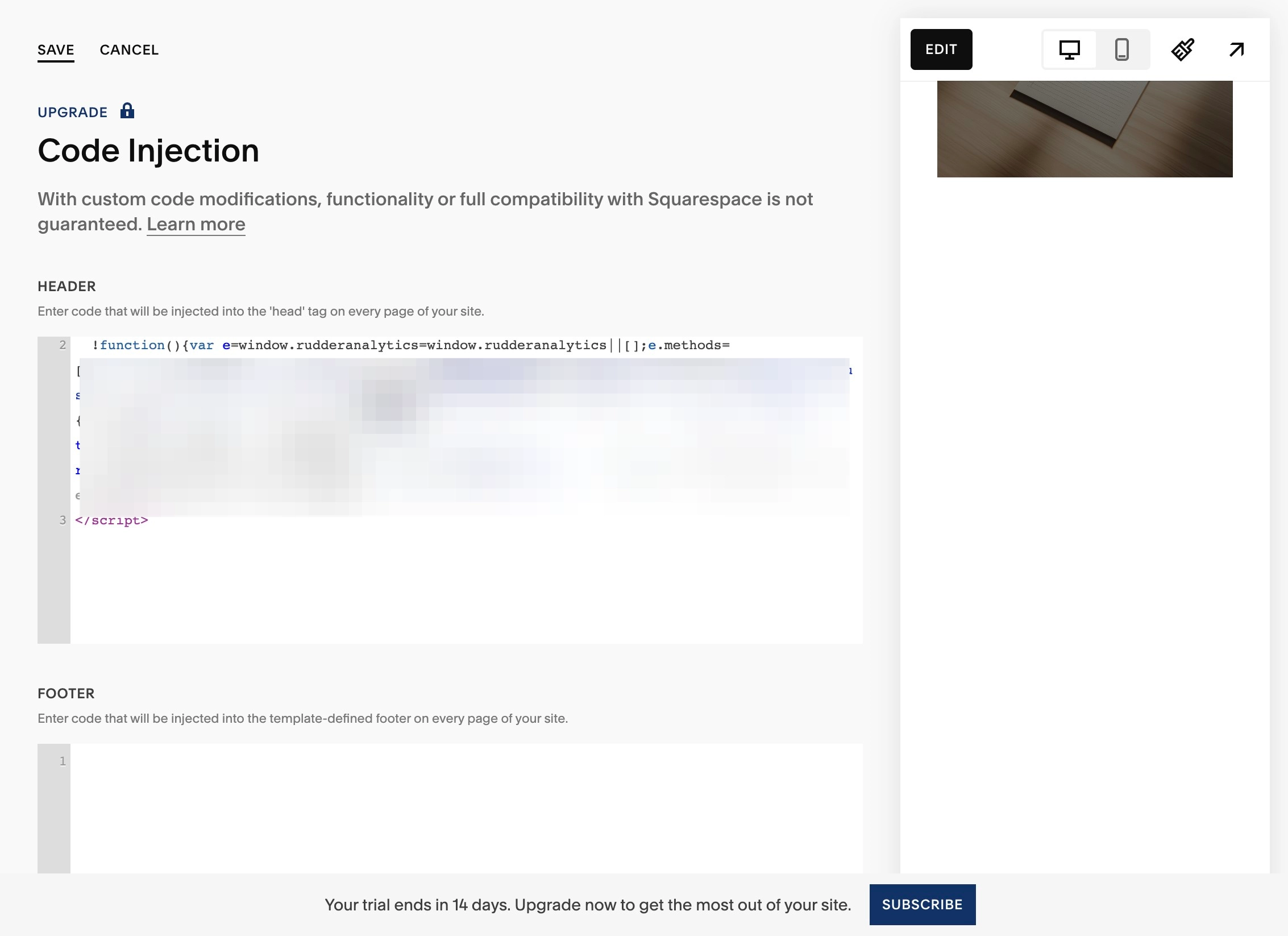
7. Click "Save"

8. For more details, you can check out the official documentation from SquareSpace at: https://support.squarespace.com/hc/en-us/articles/205815908-Using-code-injection?platform=v6&websiteId=688246a15278bb178ede0137